Transformations
This page aims to explain the various transformation options provided on the Jobs Editor page.
The following transformations are provided under the Transformations section.
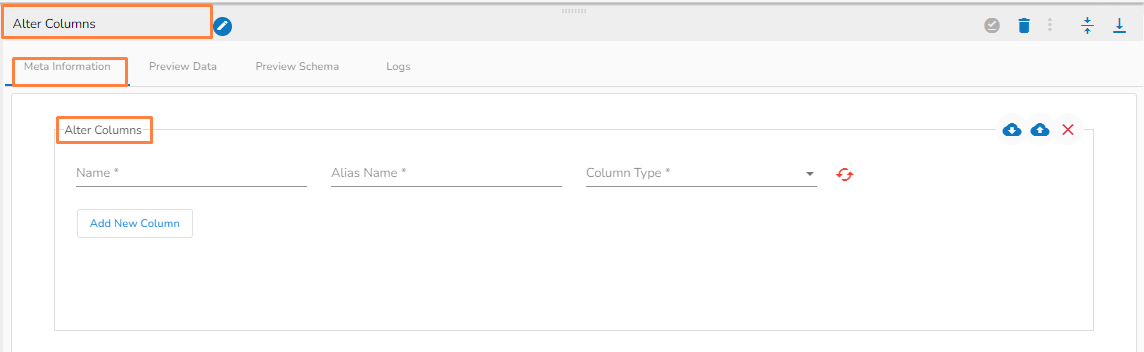
The Alter Columns command is used to change the data type of a column in a table.
Meta information of alter column task Add the Column name from the Alter Columns tab where the datatype needs to be changed.
Alias Name(*) : New column name.
Column Type(*): Specify datatype from dropdown.
Add New Column: Multiple columns can be added for desired modification in the datatype.
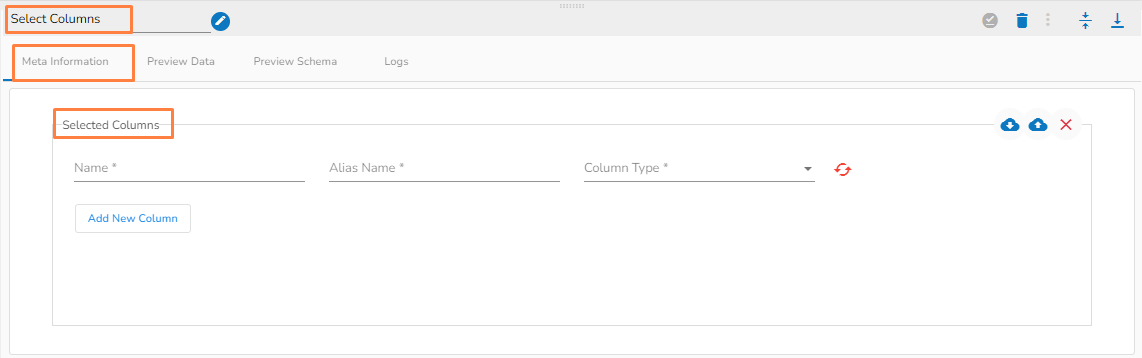
Helps to select particular columns from a table definition.
Meta information of Select Columns task Alias Name(*) : New column name.
Column Type(*) : Specify datatype from dropdown.
Add New Column: Multiple columns can be added for the desired result
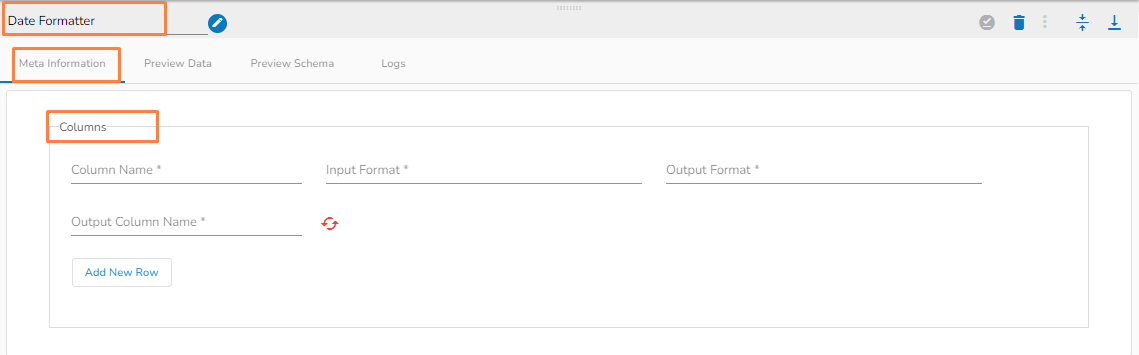
It helps in converting Date and Datetime columns to a desired format.
Meta information of Date Formatter task Input Format(*) : The function has total 61 different formats.
Output Format(*): The format in which the output will be given.
Output Column Name(*): Name of the output column.
Add New Row: To insert a new row.
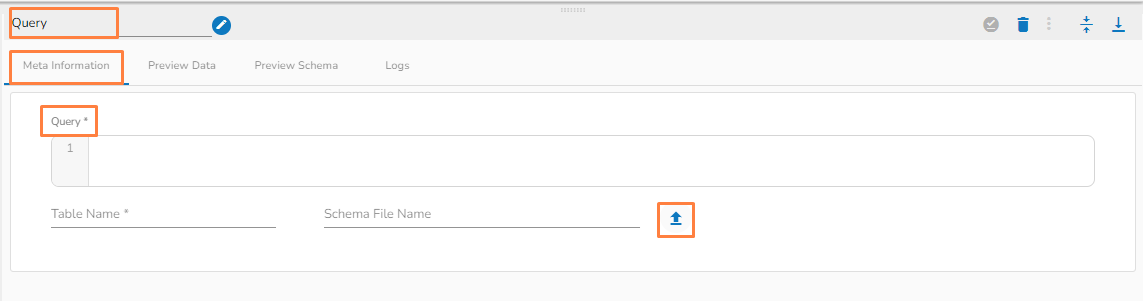
The Query transformation allows you to write SQL (DML) queries such as Select queries and data view queries.
Meta information of Query task Query(*): Provide a valid query to transform data.
Table Name(*): Provide the table name.
Schema File Name: Upload Spark Schema file in JSON format.
Choose File: Upload a file from the system.
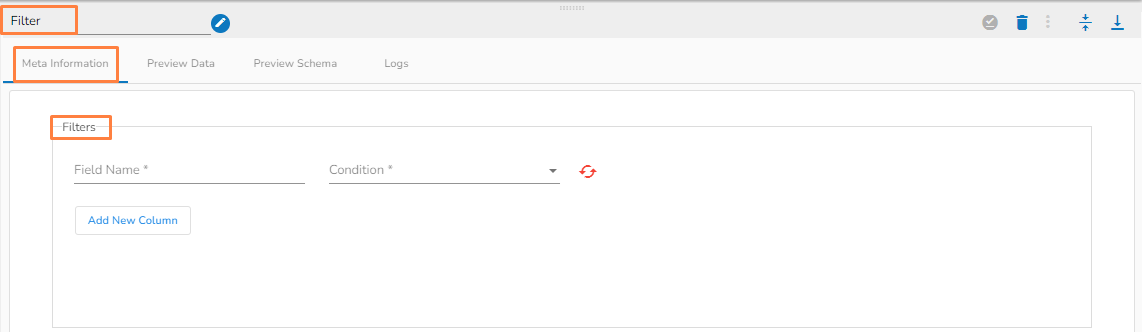
The Filter columns allow the user to filter table data based on different defined conditions.
Meta information of Filter task Field Name(*): Provide field name.
Condition (*): 8 condition operations are available within this function.
Logical Condition(*)(AND/OR):
Add New Column: Adds a new Column.
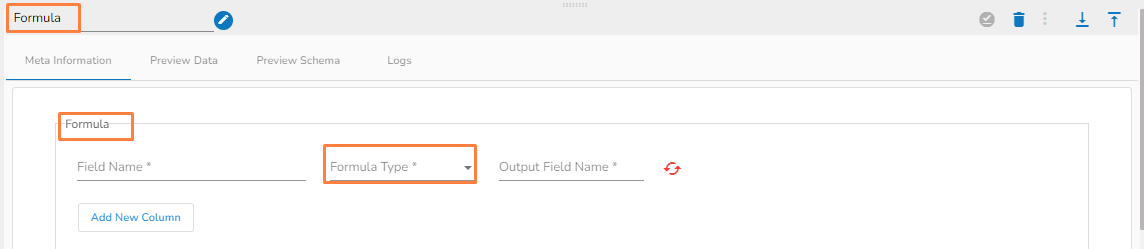
It gives computation results based on the selected formula type.
Meta information of Formula task Field Name(*): Provide field name.
Formula Type(*): Select a Formula Type from the drop-down option.
Math (22 Math Operations)
String (16 String Operations )
Bitwise (3 Bitwise Operations)
Output Field Name(*): Provide the output field name.
Add New Column: Adds a new column.
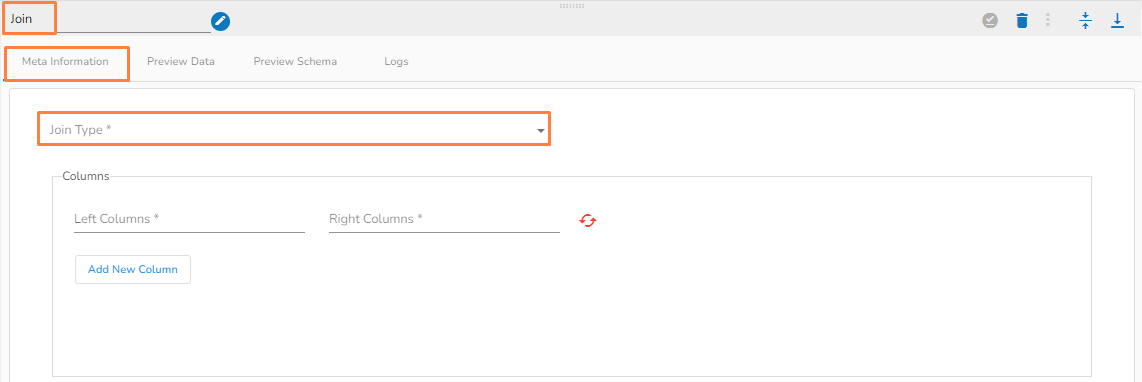
It joins 2 tables based on the specified column conditions.
Meta information of Join task Join Type (*): Provides drop-down menu to choose a Join type.
The supported Join Types are:
Left Column(*): Conditional column from the left table.
Right Column(*) : Conditional column from right table.
Add New Column: Adds a new column.
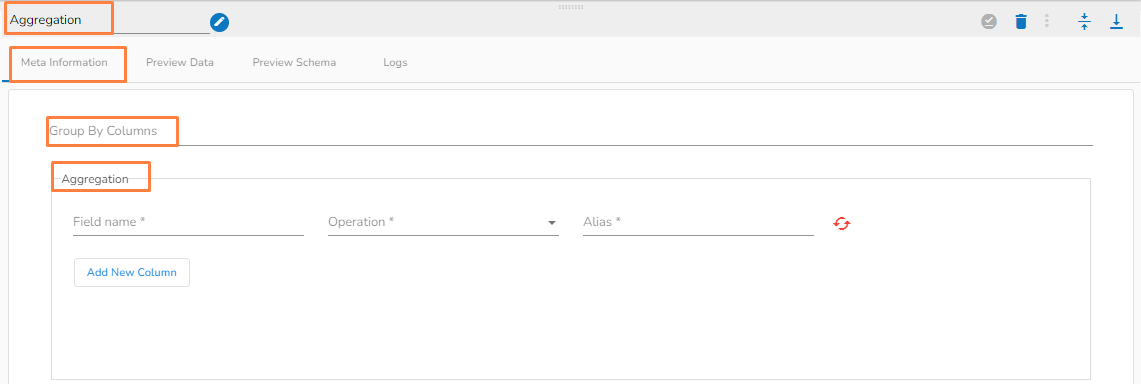
An aggregate task performs a calculation on a set of values and returns a single value by using the Group By column.
Meta information of Aggregation task Group By Columns(*): Provide a name for the group by column.
Field Name(*): Provide the field name.
Operation (*): 30 operations are available within this function.
Alias(*): Provide an alias name.
Add New Column: Adds a new column.
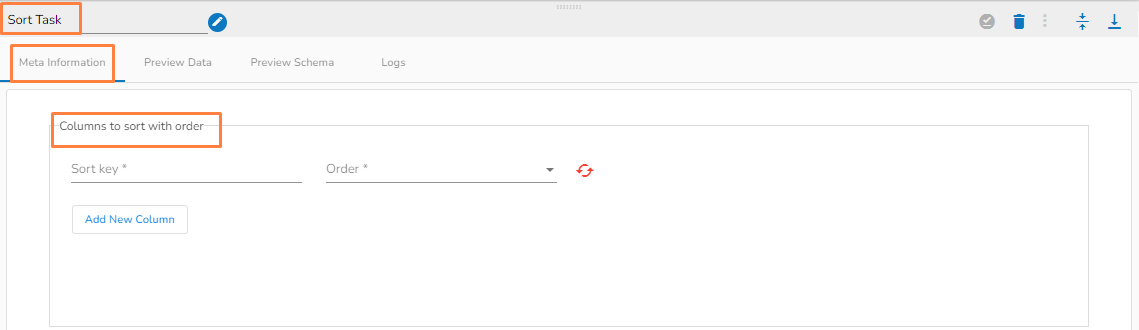
This transformation sorts all the data from a table based on the selected column and order.
Meta information of Sort task Sort Key(*): Provide a sort key.
Order(*): Select an option out of Ascending or Descending.
Add New Column: Adds a new column.