> For the complete documentation index, see [llms.txt](https://docs.bdb.ai/survey-4/llms.txt). Markdown versions of documentation pages are available by appending `.md` to page URLs; this page is available as [Markdown](https://docs.bdb.ai/survey-4/publishing-a-survey/collectors/creating-a-collector/deleting-collector-s.md).
# Deleting Collector(s)
* Navigate to the ***Publish Your Survey*** list.
* Click the ***Delete*** icon provided next to a collector name.
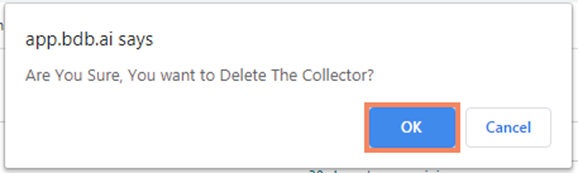
* A pop-up window will appear to confirm the deletion.
* Click the ***OK*** option.
Wizard to confirm collector deletion
* The selected collector gets deleted.
{% hint style="info" %}
*Please Note:* *The* *same set of steps can be followed to delete the **Weblink** and **Email** collector.*
{% endhint %}