> For the complete documentation index, see [llms.txt](https://docs.bdb.ai/security-users-and-roles-5/llms.txt). Markdown versions of documentation pages are available by appending `.md` to page URLs; this page is available as [Markdown](https://docs.bdb.ai/security-users-and-roles-5/create-user/user-status/reset-password.md).
# Reset Password
This functionality is available only for the Enterprise users.
* Navigate to the Security page.
* Select the ***Enterprise*** option using the Type filter.
* Select a user from the Users list.
* Click the ***Reset Password icon.***
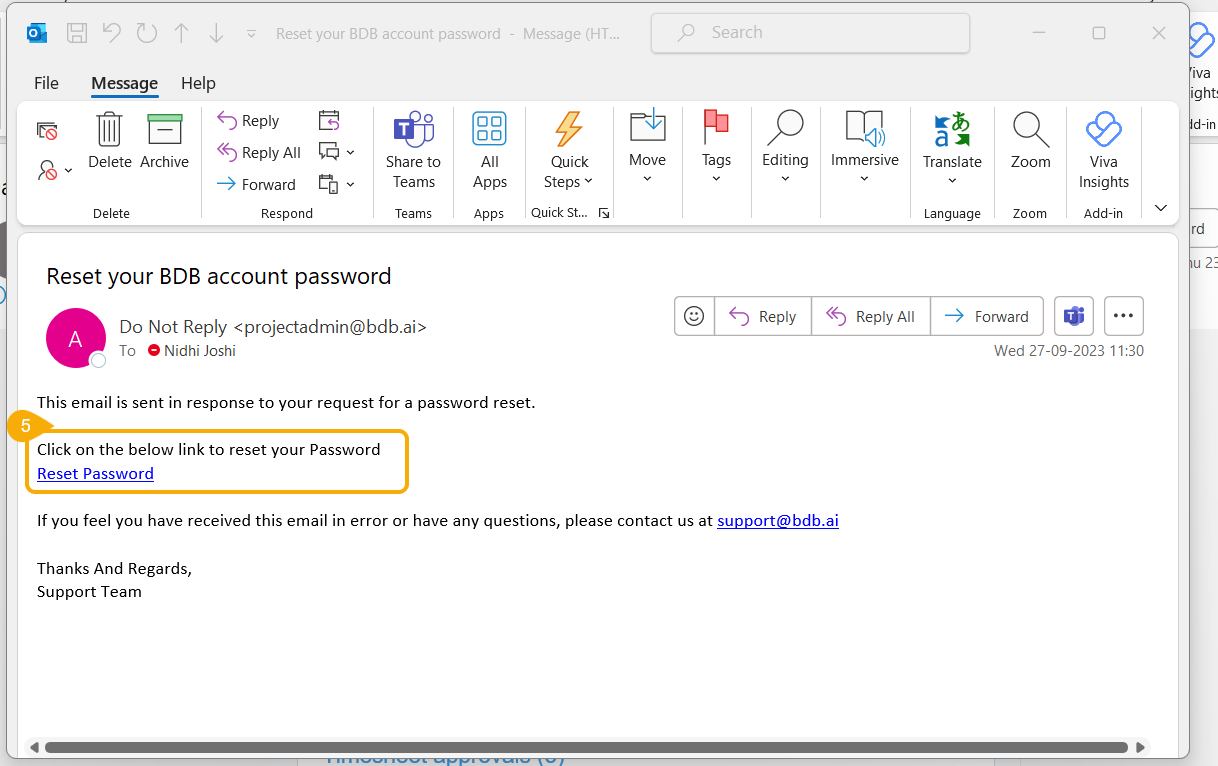
* The user will receive the ***Reset Password*** link on the registered email from the support team. Click the Reset Password link.
* The user will be redirected to the Reset Password page.
* Provide a new password.
* Confirm the new password.
* Click the ***Continue*** option.
* The password will be reset for the selected user account.