> For the complete documentation index, see [llms.txt](https://docs.bdb.ai/interacting-with-platform-6/llms.txt). Markdown versions of documentation pages are available by appending `.md` to page URLs; this page is available as [Markdown](https://docs.bdb.ai/interacting-with-platform-6/homepage/header-menu-panel/help.md).
# Help
This page redirects the user to access the various help modules related to the Platform.
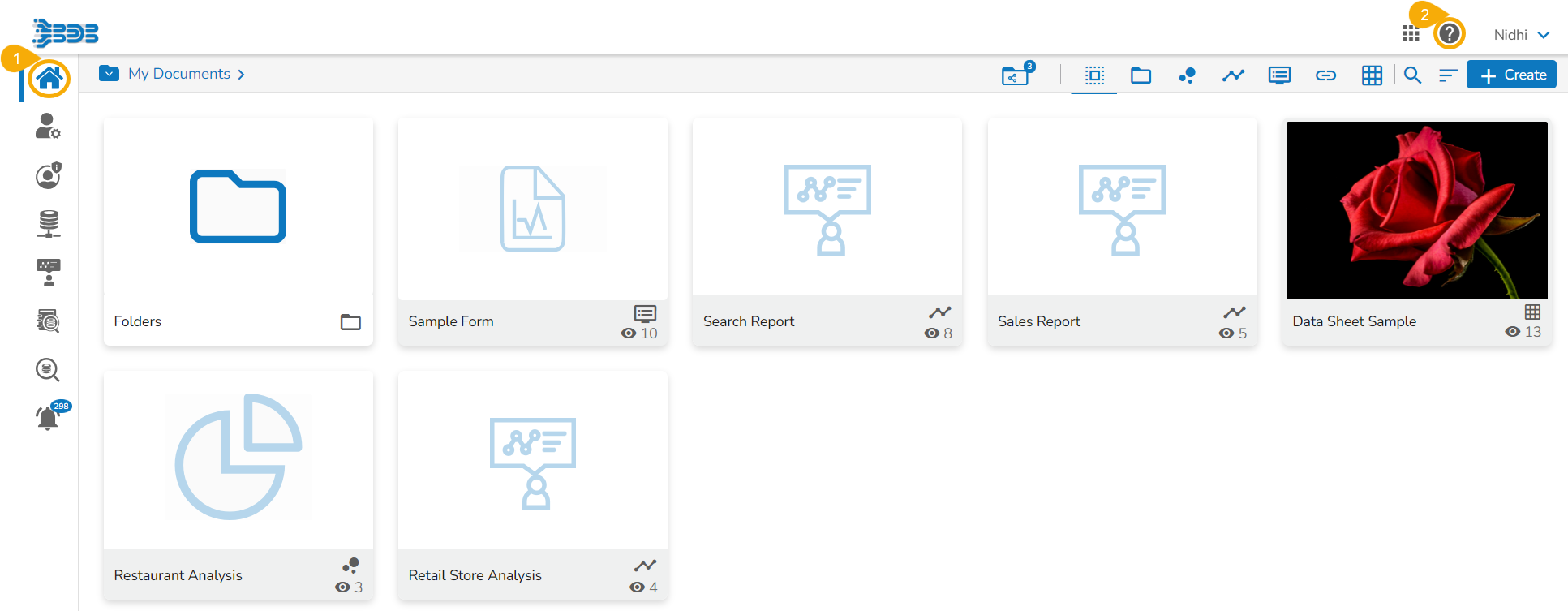
The users can access the various options under the ***Help*** menu on the Platform homepage.
* Navigate to the Platform homepage.
* Click the ***Help*** icon from the header panel.
Help icon on the Platform Homepage
* A context menu opens with the following options:
* Developer Network
* Documentation
* Guided Learning
* Privacy & Legal

* The user gets directed to the option based on the selection from the ***Help*** context menu.
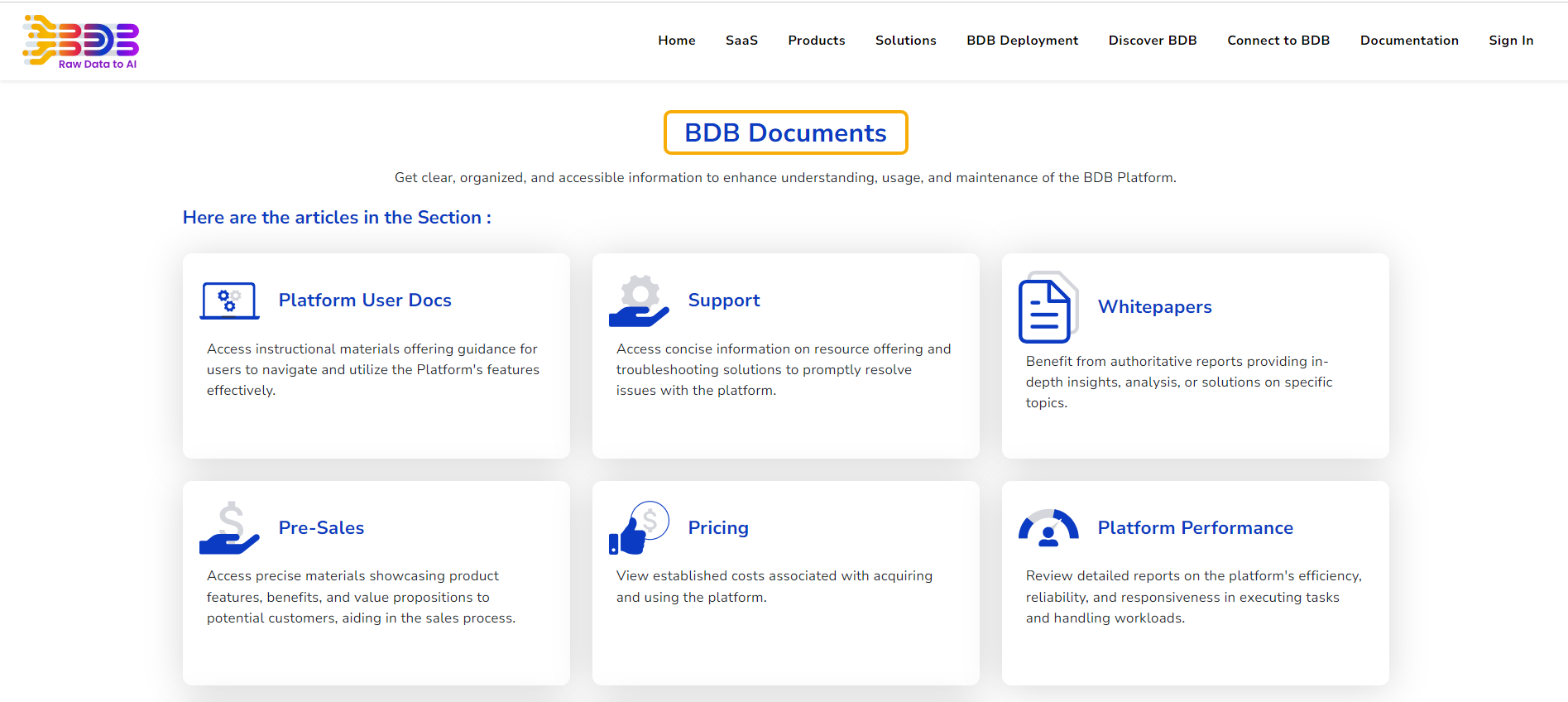
* E.g., by selecting the ***Documentation*** option the user gets directed to the [***Documentation***](https://bdb.ai/docs) page from where the latest Platform related documents can be accessed.
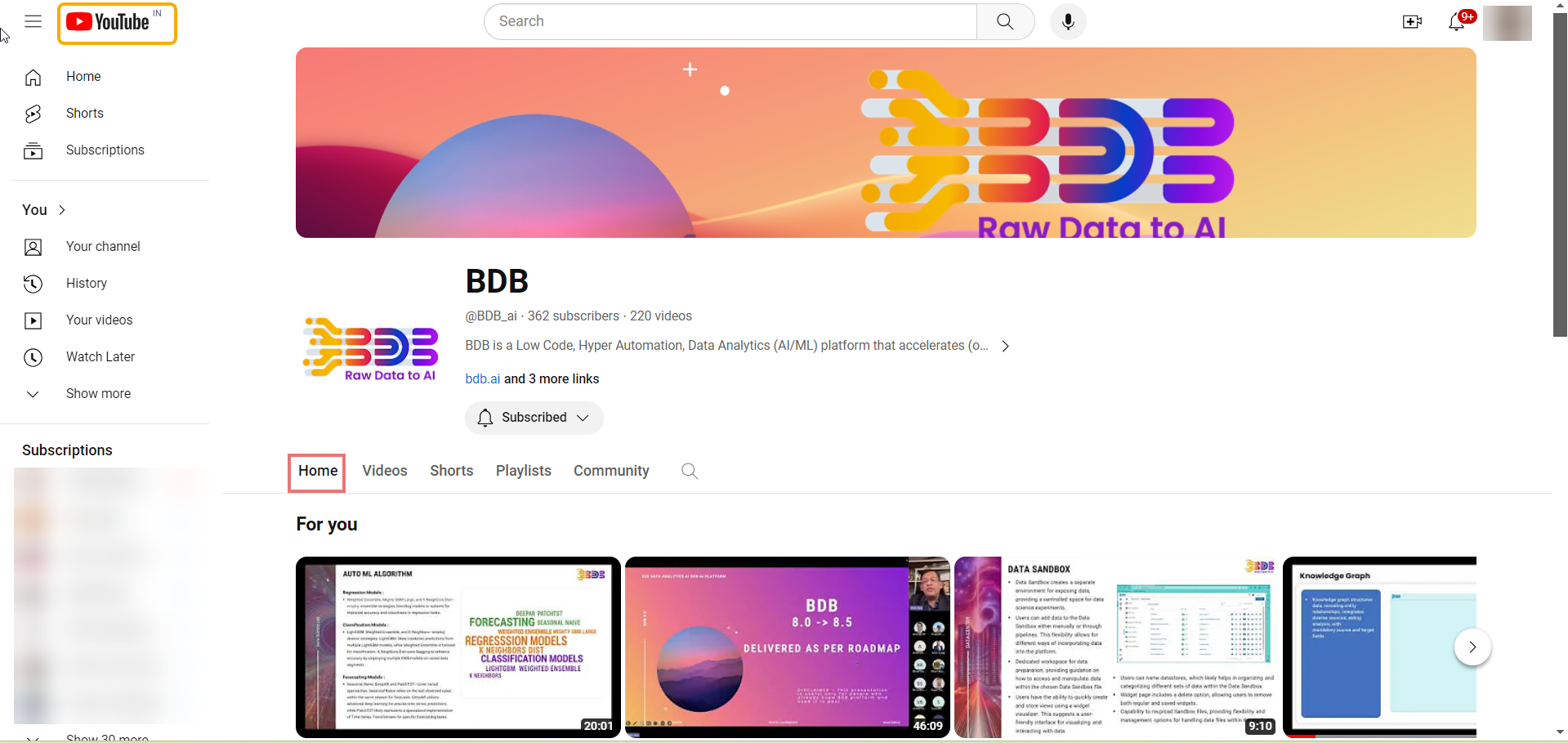
* E.g., by selecting the ***Guided Learning*** option the user gets directed to the [***BDB YouTube***](https://www.youtube.com/channel/UCULLlZStpxxRrkolUdf1I1g) page where you can see the latest videos.