> For the complete documentation index, see [llms.txt](https://docs.bdb.ai/governed-dashboards-5/llms.txt). Markdown versions of documentation pages are available by appending `.md` to page URLs; this page is available as [Markdown](https://docs.bdb.ai/governed-dashboards-5/getting-started/overview-of-designer-module/dashboard-canvas-page/context-menu-properties.md).
# Context Menu Properties
This section describes properties applied to multiple components when dragged into the designer canvas and selected.
This page describes the steps to access the Context Menu Properties:
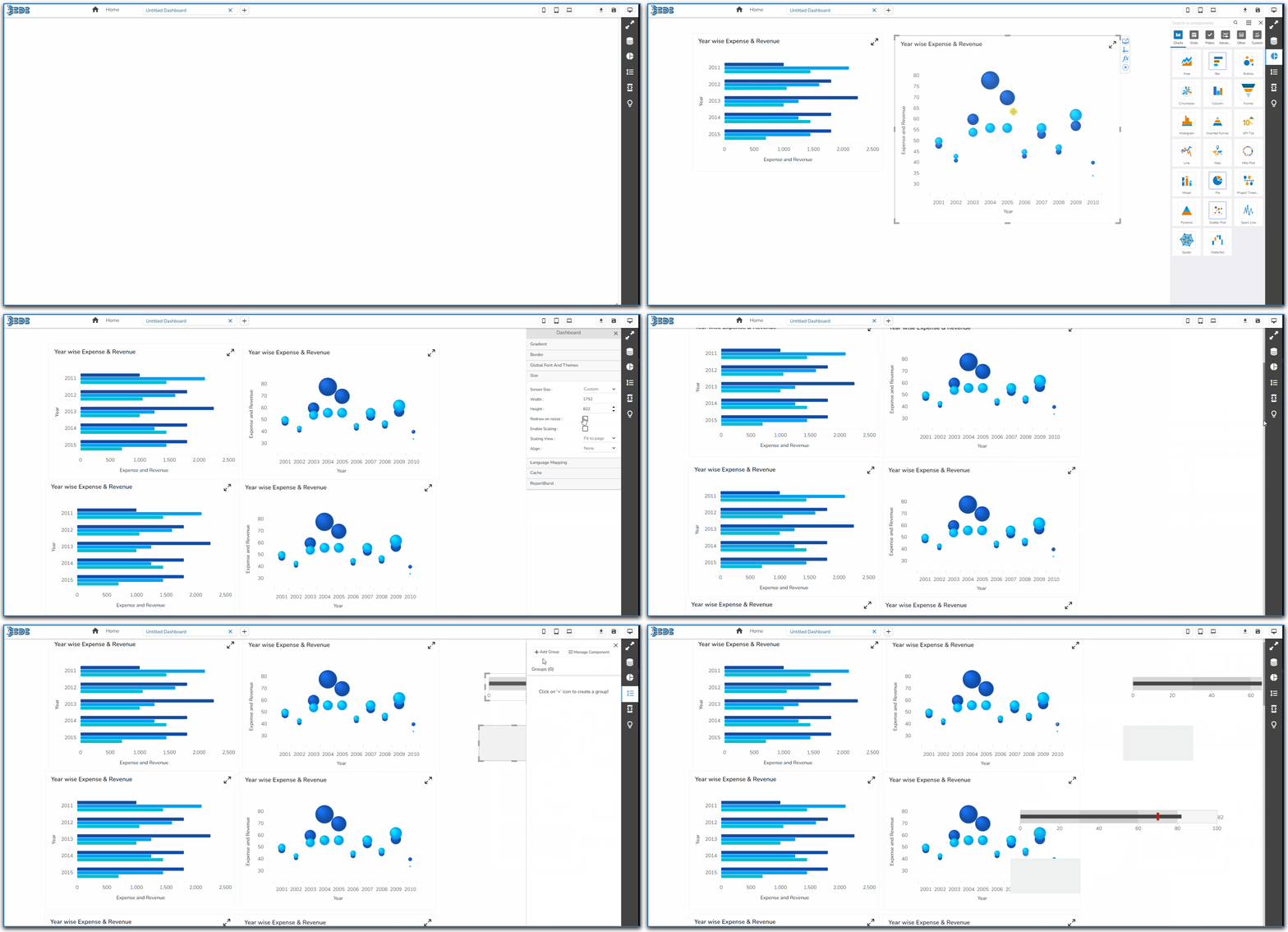
* Drag multiple components into the designer canvas (At least three components to avail all the properties).
Dragging multiple components to the Canvas
* Select multiple components from the canvas(at least three).
Selecting the dragged component
* Use right-click to open the context menu.
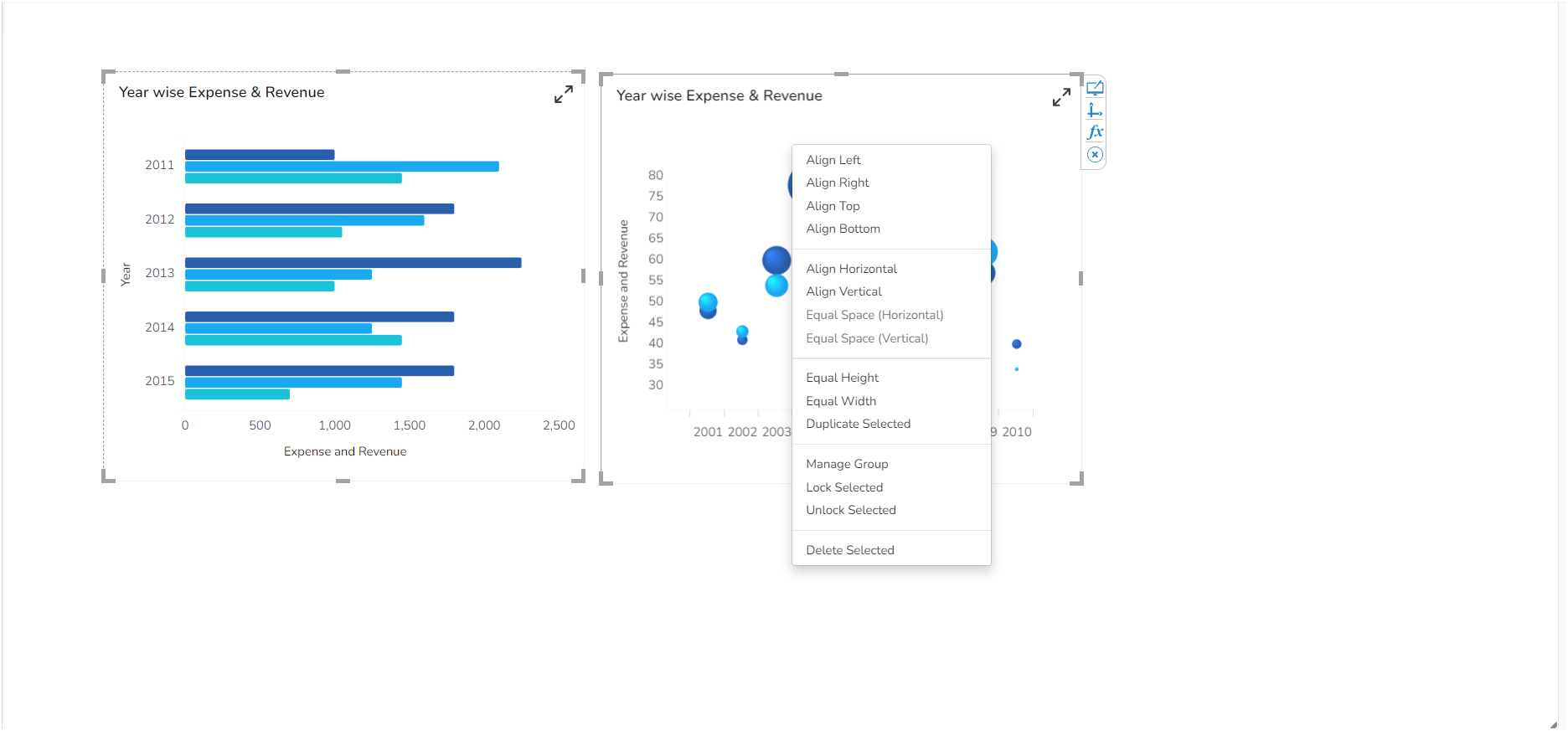
* The following properties will be listed in the context menu:
* **Align Left**: All the selected components get aligned to the left.
* **Align Righ**t: All the selected components get aligned to the right.
* **Align Top**: All the selected components get aligned to the top.
* **Align Bottom**: All the selected components get aligned to the bottom.
* **Align Horizontal**: All the selected components get aligned horizontally.
* **Align Vertical**: All the selected components get aligned vertically.
* **Equal Space (Horizontal**): All the selected components get equal space horizontally.
* **Equal Space (Vertical**): All the selected components get equal space vertically.
* **Equal Height**: All the selected components get an equal height.
* **Equal Width**: All the selected components get an equal width.
* **Manage Group**: The user gets redirected to manage the group.
* **Lock Selected**: All the selected components get locked.
* **Unlock Selected**: All the selected components get unlocked.
* **Delete Selected**: To delete the selected components.
* **Duplicate Selected** : To duplicate the selected components.
* Each dragged component gets some Context Menu Properties as shown in the below image:
Context Menu Properties for a single dragged component