# Dashboard Objects Properties

{% hint style="success" %}
*Check out the walk-through given below on how to configure the Dashboard Object properties in the Designer.*
{% endhint %}

<figure><img src="https://859511478-files.gitbook.io/~/files/v0/b/gitbook-x-prod.appspot.com/o/spaces%2FGDmsjfjJBNqow7Fo97cO%2Fuploads%2FB9X6iAle9O7P9glhwo6N%2FObject%20browser%20property.gif?alt=media&#x26;token=a5746c21-acab-4369-b8b1-c72734b51fae" alt=""><figcaption></figcaption></figure>

## **Hide All**  <a href="#hide-all" id="hide-all"></a>

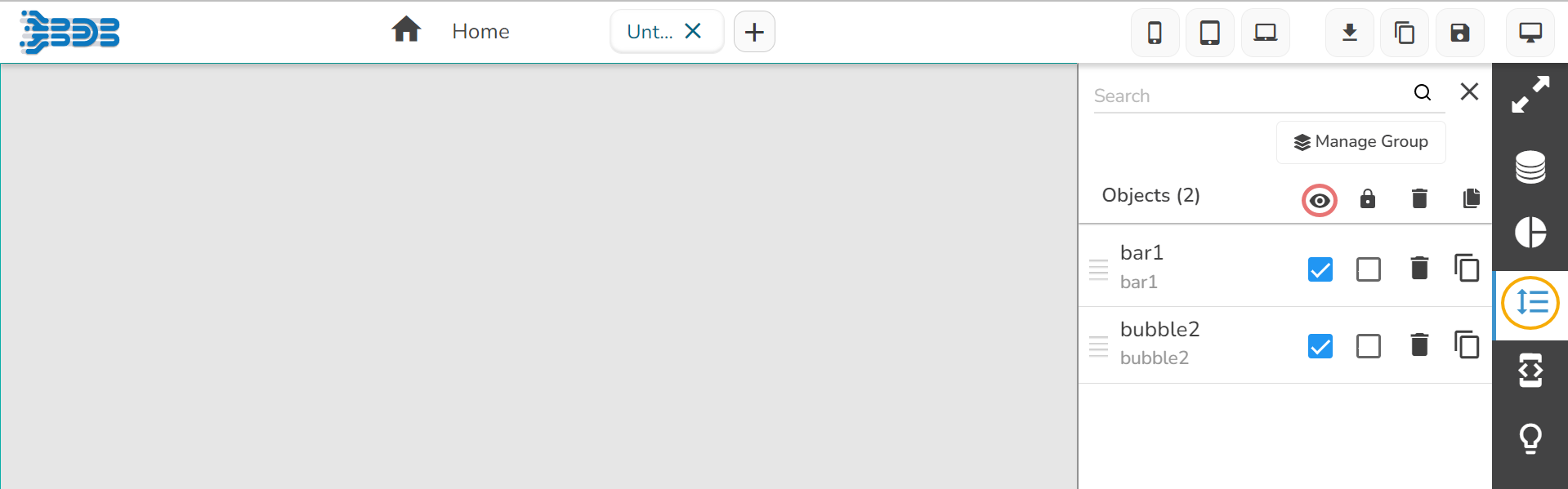
* By clicking on this icon![](https://859511478-files.gitbook.io/~/files/v0/b/gitbook-x-prod.appspot.com/o/spaces%2FGDmsjfjJBNqow7Fo97cO%2Fuploads%2FYR2TxKwQDp0VLJSuik0z%2Fimage.png?alt=media\&token=d8f333c5-cbd7-4c27-8477-3f266200e179), all the components which are present in the dashboard will be hidden.

<figure><img src="https://859511478-files.gitbook.io/~/files/v0/b/gitbook-x-prod.appspot.com/o/spaces%2FGDmsjfjJBNqow7Fo97cO%2Fuploads%2Fju2Af7aBPPe3Npux0uEF%2Fimage.png?alt=media&#x26;token=1429c83f-45cc-44ff-b072-21feff22c721" alt=""><figcaption></figcaption></figure>

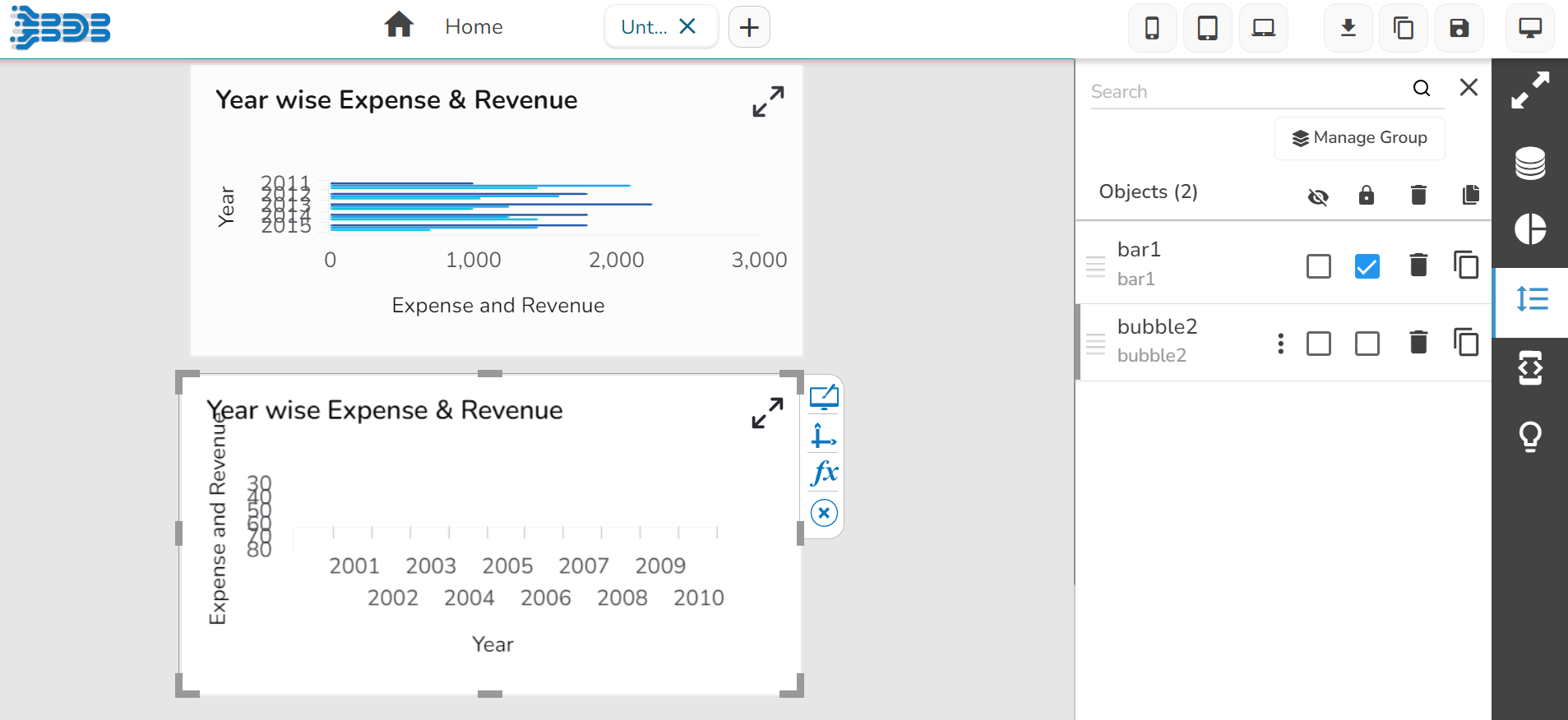
* The users can hide the individual components by enabling the checkbox provided next to the name of the component.

<figure><img src="https://859511478-files.gitbook.io/~/files/v0/b/gitbook-x-prod.appspot.com/o/spaces%2FGDmsjfjJBNqow7Fo97cO%2Fuploads%2FbawBnmaYtDp9Hf0Q1YqT%2Fimage.png?alt=media&#x26;token=37eb2fac-aef2-4c99-8c28-c6c467361f61" alt=""><figcaption></figcaption></figure>

## **Lock All**  <a href="#lock-all" id="lock-all"></a>

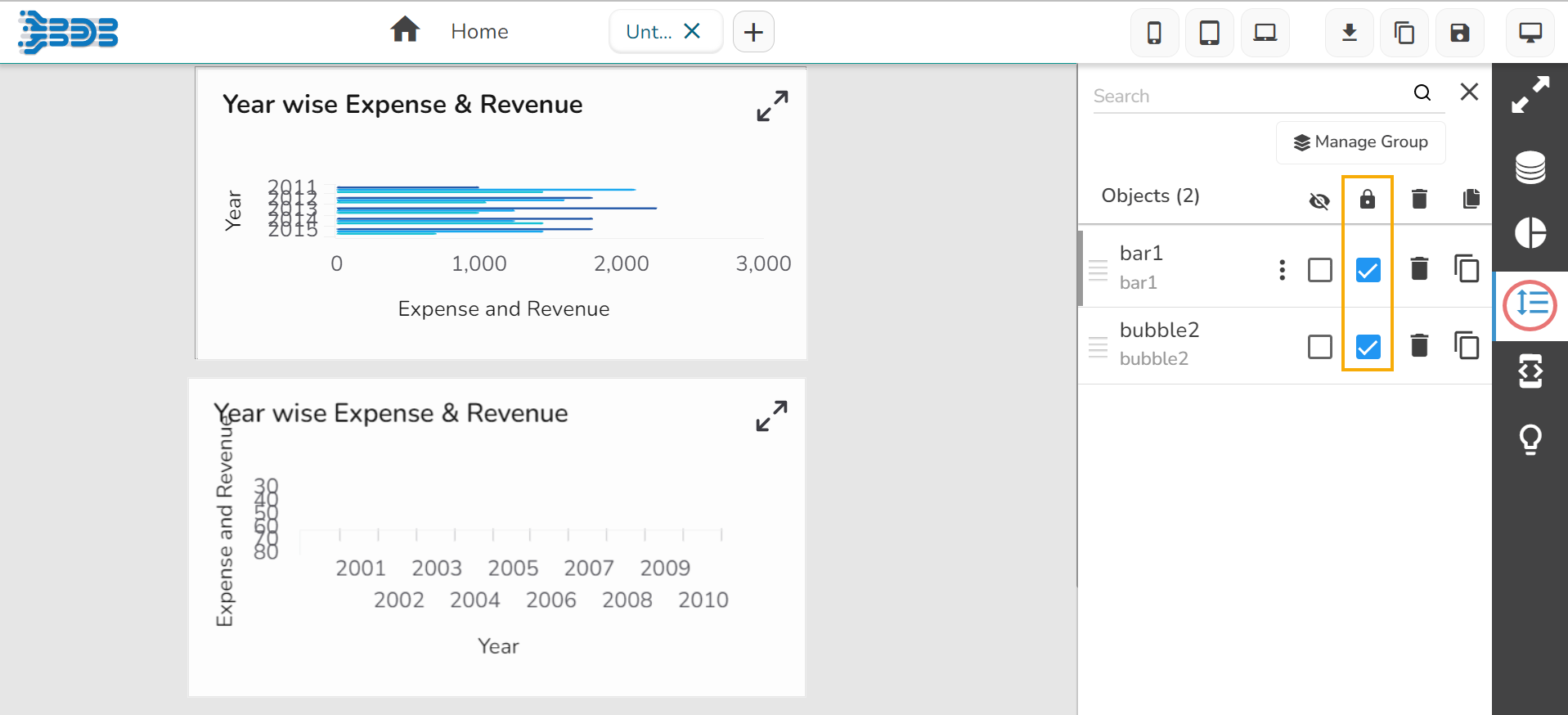
* By clicking on this icon![](https://859511478-files.gitbook.io/~/files/v0/b/gitbook-x-prod.appspot.com/o/spaces%2FGDmsjfjJBNqow7Fo97cO%2Fuploads%2FD4UrkLWgWsFrbuxeVg6D%2Fimage.png?alt=media\&token=1ac39edc-eef4-47bc-a4d7-192e8b831ccc), all the components which are present in the dashboard will be locked, i.e., means components cannot be moved from one place to another.

<figure><img src="https://859511478-files.gitbook.io/~/files/v0/b/gitbook-x-prod.appspot.com/o/spaces%2FGDmsjfjJBNqow7Fo97cO%2Fuploads%2FBksBFUxFI3xA1gHA7h3v%2Fimage.png?alt=media&#x26;token=ba75c4c7-c83f-4656-add0-9f5dcd2a6215" alt=""><figcaption></figcaption></figure>

* The users can lock the components individually by enabling the checkbox provided next to the name of the component.

<figure><img src="https://859511478-files.gitbook.io/~/files/v0/b/gitbook-x-prod.appspot.com/o/spaces%2FGDmsjfjJBNqow7Fo97cO%2Fuploads%2FcsmQPzby539z1TreOnQw%2Fimage.png?alt=media&#x26;token=22eeb501-ccb9-4c6a-bae3-ea725f32816f" alt=""><figcaption></figcaption></figure>

## **Remove**  <a href="#remove" id="remove"></a>

### **Removing a Component**

The users can delete the components individually by clicking the remove icon provided next to the name of the component.

* Click the ***Manage Dashboard Components*** option.
* Click the ***Remove*** icon for a dragged component.

<figure><img src="https://859511478-files.gitbook.io/~/files/v0/b/gitbook-x-prod.appspot.com/o/spaces%2FGDmsjfjJBNqow7Fo97cO%2Fuploads%2FZaPv9eZSmJcuScyWDqDG%2Fimage.png?alt=media&#x26;token=baee9fef-2992-485a-9487-3ccd8686c0b9" alt=""><figcaption></figcaption></figure>

* A dialog box appears to confirm the deletion.
* Click the ***Yes*** option.

![](https://859511478-files.gitbook.io/~/files/v0/b/gitbook-x-prod.appspot.com/o/spaces%2FGDmsjfjJBNqow7Fo97cO%2Fuploads%2FITx10tSFFjhEvLm6lZGt%2Fimage.png?alt=media\&token=a1dda713-cdf2-4075-9468-221ef44fb7f3)​

* The selected component gets removed from the Dashboard.

<figure><img src="https://859511478-files.gitbook.io/~/files/v0/b/gitbook-x-prod.appspot.com/o/spaces%2FGDmsjfjJBNqow7Fo97cO%2Fuploads%2FC051PUDKdB6wfvKivOye%2Fimage.png?alt=media&#x26;token=593321f6-d3cc-44c8-8adc-94d5f12adaec" alt=""><figcaption></figcaption></figure>

### **Removing all the Dashboard Components**

The users can remove all the components which are present in the dashboard.

* Click the ***Manage Dashboard Components*** option.
* Click the ***Remove*** icon for all the dragged component.

<figure><img src="https://859511478-files.gitbook.io/~/files/v0/b/gitbook-x-prod.appspot.com/o/spaces%2FGDmsjfjJBNqow7Fo97cO%2Fuploads%2FLEByXOdyvNvWSK0gmUID%2Fimage.png?alt=media&#x26;token=e0bb1bf0-f009-4e9c-ab51-2cf5455e0f8e" alt=""><figcaption></figcaption></figure>

* A dialog box appears to confirm the deletion.
* Click the ***Yes*** option.

​![](https://859511478-files.gitbook.io/~/files/v0/b/gitbook-x-prod.appspot.com/o/spaces%2FGDmsjfjJBNqow7Fo97cO%2Fuploads%2FN19h9zwy4Z7KSn18oQpU%2Fimage.png?alt=media\&token=e6e59da8-8934-4be3-a333-d141e85b3669)​

* All the dashboard components get deleted.

<figure><img src="https://859511478-files.gitbook.io/~/files/v0/b/gitbook-x-prod.appspot.com/o/spaces%2FGDmsjfjJBNqow7Fo97cO%2Fuploads%2FrRFcOCArRsaKOGenDECJ%2Fimage.png?alt=media&#x26;token=8685654e-76e6-4444-b01f-408cb3e0ac3a" alt=""><figcaption></figcaption></figure>

## **Duplicate**  <a href="#duplicate" id="duplicate"></a>

By clicking on this option duplicate component gets produced on the canvas.

* Click the ***Manage Dashboard Components*** option.
* Click the ***Duplicate*** icon for a dragged component.
* The selected component gets copied.

<figure><img src="https://859511478-files.gitbook.io/~/files/v0/b/gitbook-x-prod.appspot.com/o/spaces%2FGDmsjfjJBNqow7Fo97cO%2Fuploads%2FcFUbsivdJXGc12w8nsSb%2Fimage.png?alt=media&#x26;token=fe05d0ca-a246-430b-a2f6-a322ac6361e0" alt=""><figcaption><p><em>Duplicating a component</em></p></figcaption></figure>

{% hint style="info" %}
*Please Note: The Duplicate action do not get applied to the multiple components. It has to be applied to the individual components.*
{% endhint %}

## **Search** <a href="#search" id="search"></a>

When the number of dragged charting components increases in a dashboard, it becomes difficult for the users to find out the specific component. Use the ***Search*** bar provided under the ***Manage Dashboard Components*** window to search for the desired components.​

![](https://859511478-files.gitbook.io/~/files/v0/b/gitbook-x-prod.appspot.com/o/spaces%2FGDmsjfjJBNqow7Fo97cO%2Fuploads%2F50JDgQ4e3bEjk3KDjKdj%2Fimage.png?alt=media\&token=1acedaa0-e16b-48d4-b736-b44a4bee3127)​