# User Alert Notification
{% hint style="info" %}
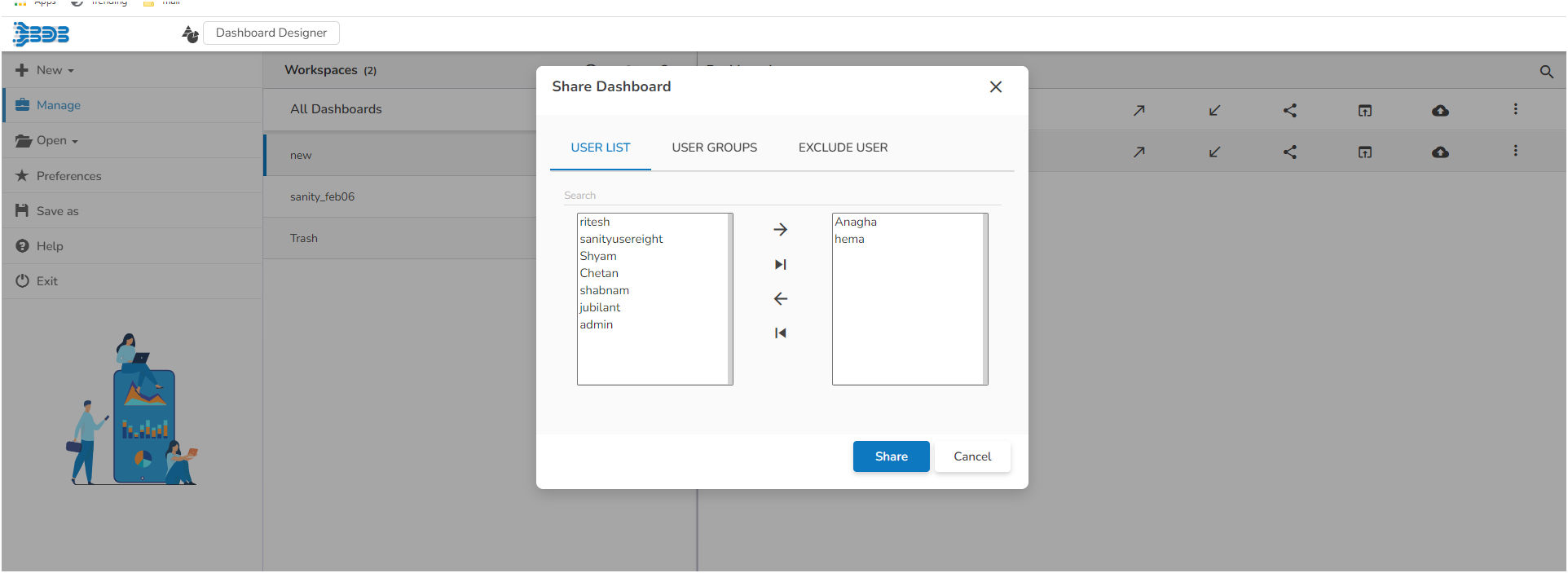
*Pre-requisite: To avail this functionality on any dashboard it is required to be shared across multiple users (minimum 2 users).*
{% endhint %}
{% hint style="success" %}
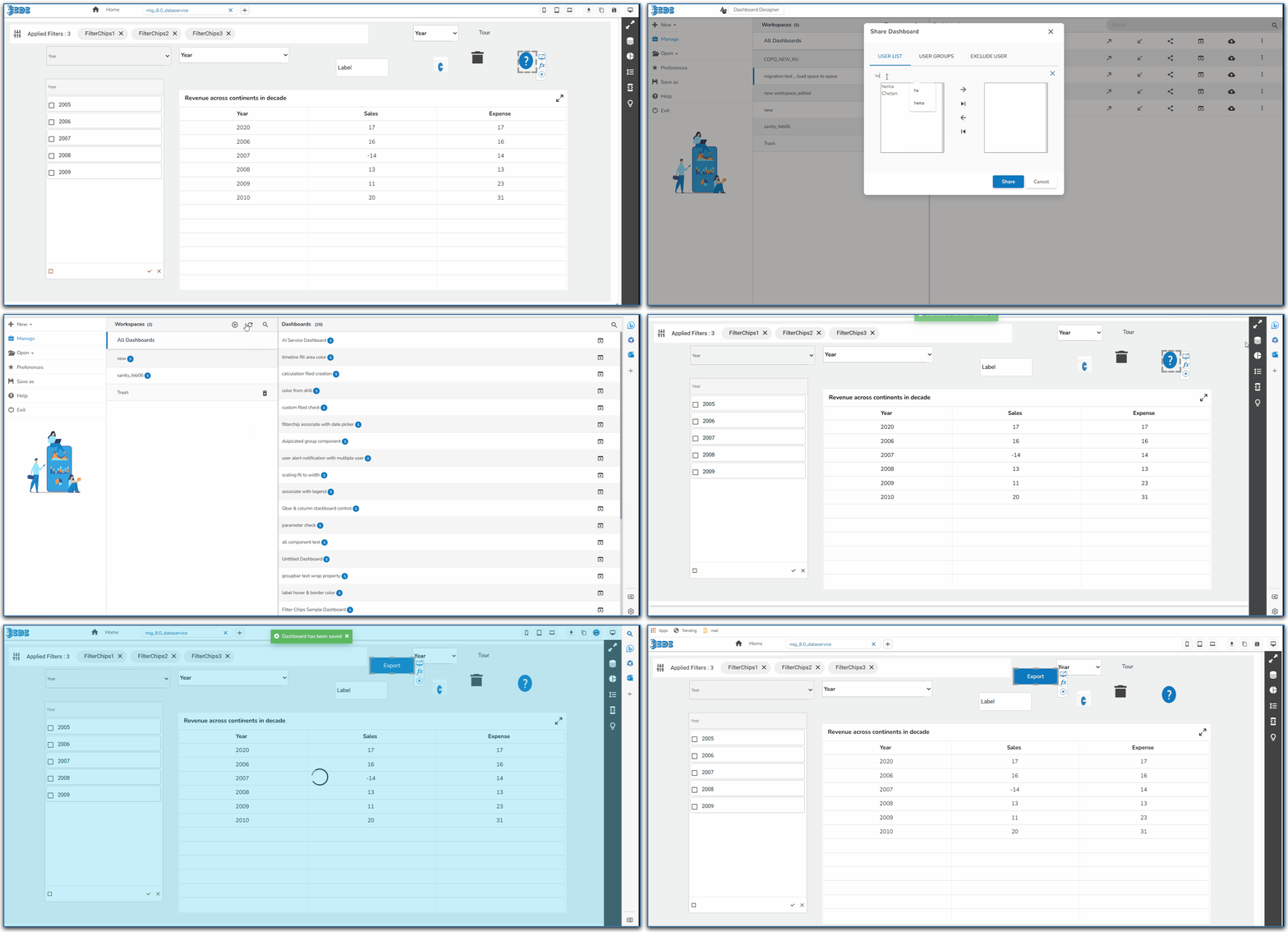
*Check out the below-given demonstration on the User Alert Notification functionality.*
{% endhint %}
User Alert Notification functionality
The users will get the alert notification when multiple users are working on the same dashboard. The alert message will pop-up while one of them would like to save the updates on the same dashboard.
The user who gets the Alert Notification has two choices:
Accept the Alert
If the user accepts the Alert notification, then his dashboard gets closed and it gets reopened displaying the updates saved by another user.
Deny the Alert
If the user denies the Alert notification, then he can continue to work on the same dashboard and his updates will overwrite the updates of the another user.
Please check out the following scenario to understand how the User Alert Notification functionality works.
* A dashboard is shared to multiple users.
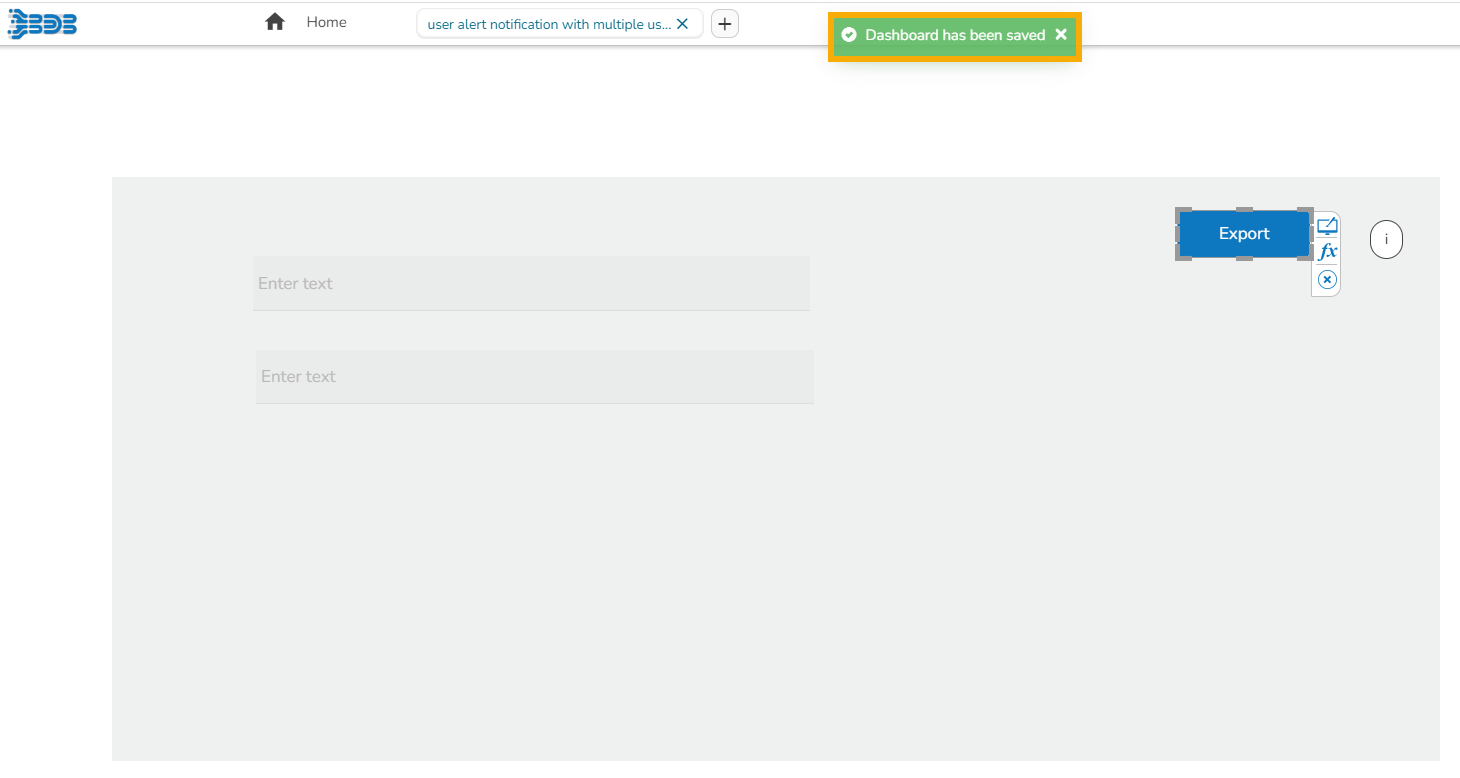
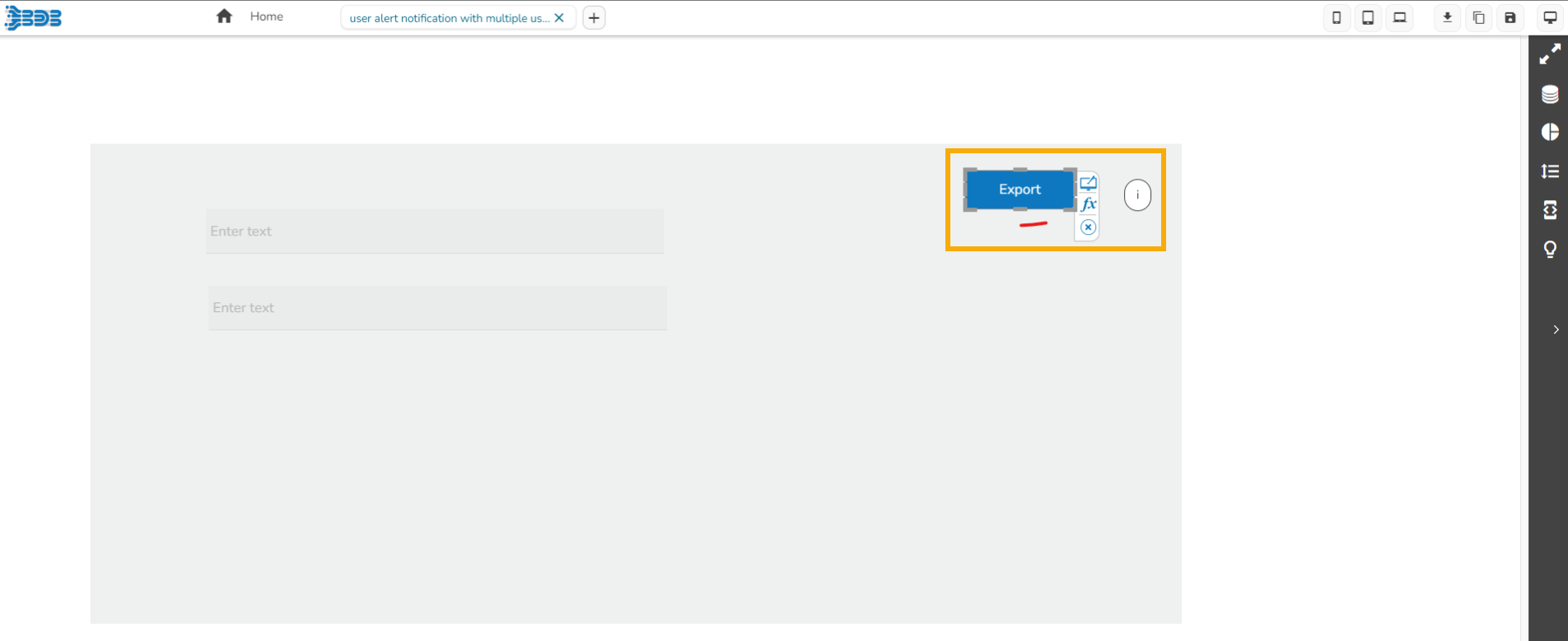
* If more than one users are working parallelly on the same dashboard and one of the users i.e., User-A saves the dashboard to save the updates added by him in the dashboard. A notification message appears and all the updates committed by the User-A gets saved.
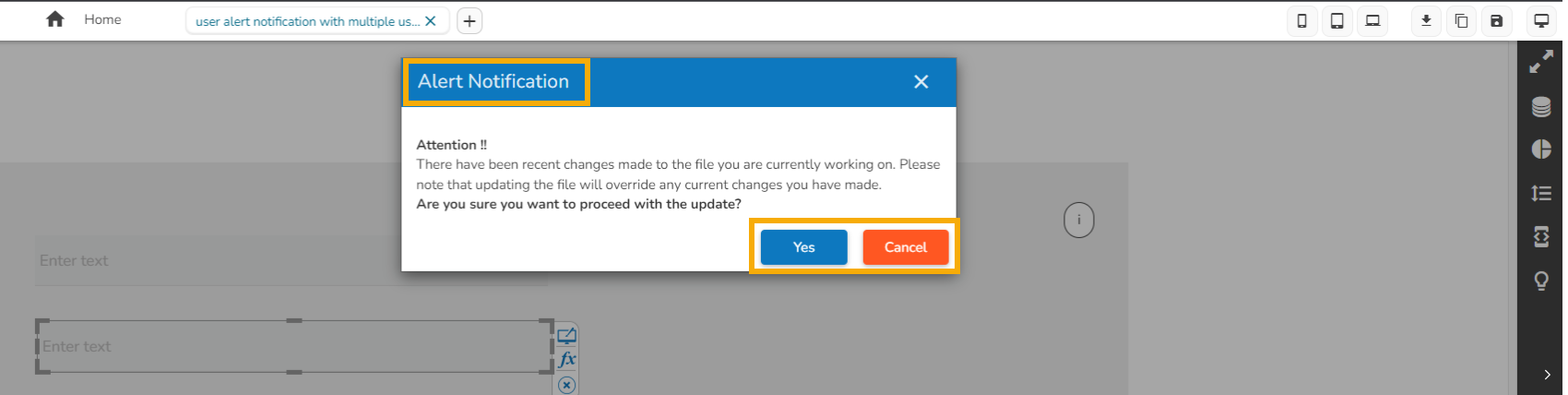
* All the other users (i.e., User-B and User-C) who are working still on the same dashboard will receive an alert notification as displayed in the below-given image.
* They can either accept it by clicking the ***Yes*** option or deny it by using the ***Cancel*** option.
* If the User-B accepts the alert, then User-B's dashboard will get closed.
{% hint style="info" %}
*Please Note: The User-B can reopen it only with the updates provided by the User-A.*
{% endhint %}
The Dashboard reflects the saved changes by User-A for the User B
* There is a User-C who has cancelled the alert option. So, User-C can continue the work on the same dashboard.
{% hint style="info" %}
*Please Note: If User-C saves the dashboard after updating it, that will overwrite the updates given by User-A in the same dashboard.*
{% endhint %}
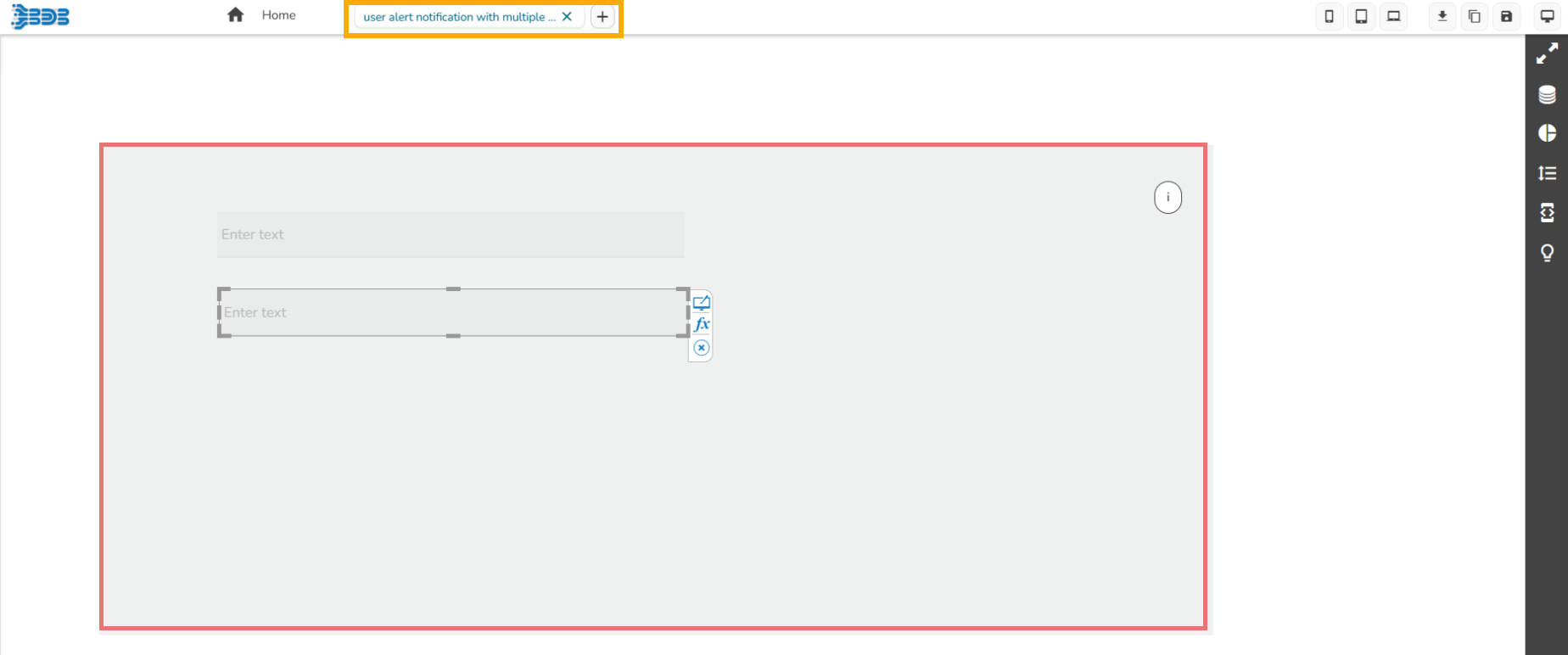
The Dashboard as overwritten with the changes committed by User-C