# Activate/Deactivate Pipeline
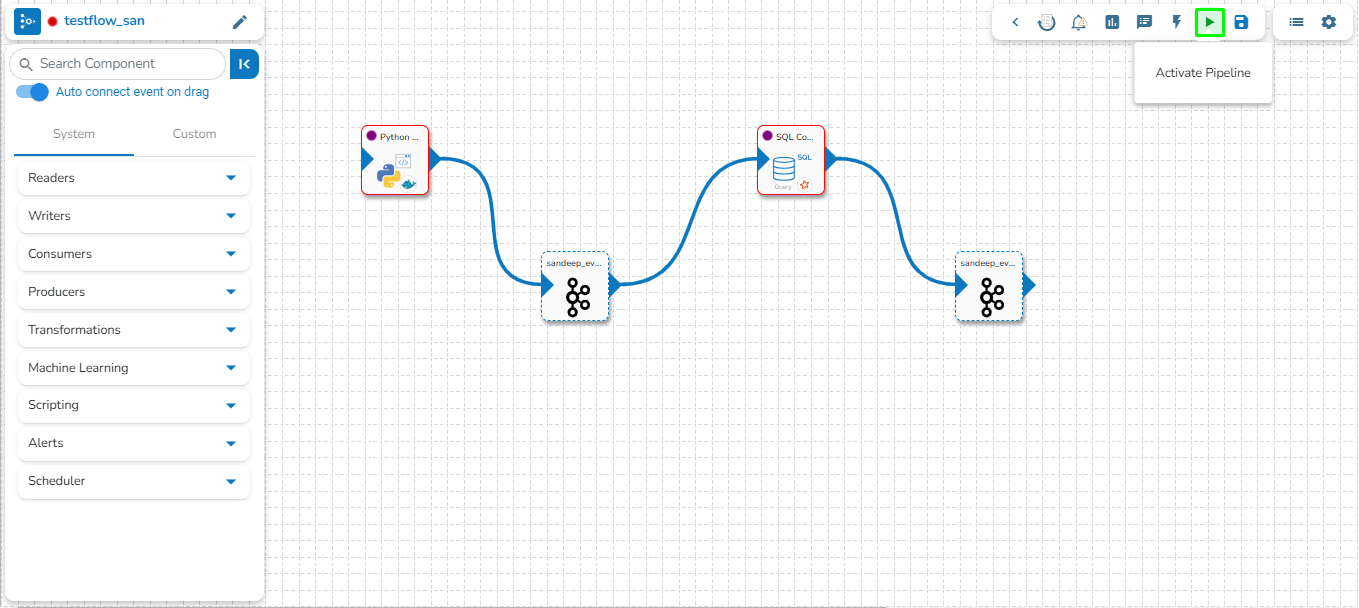
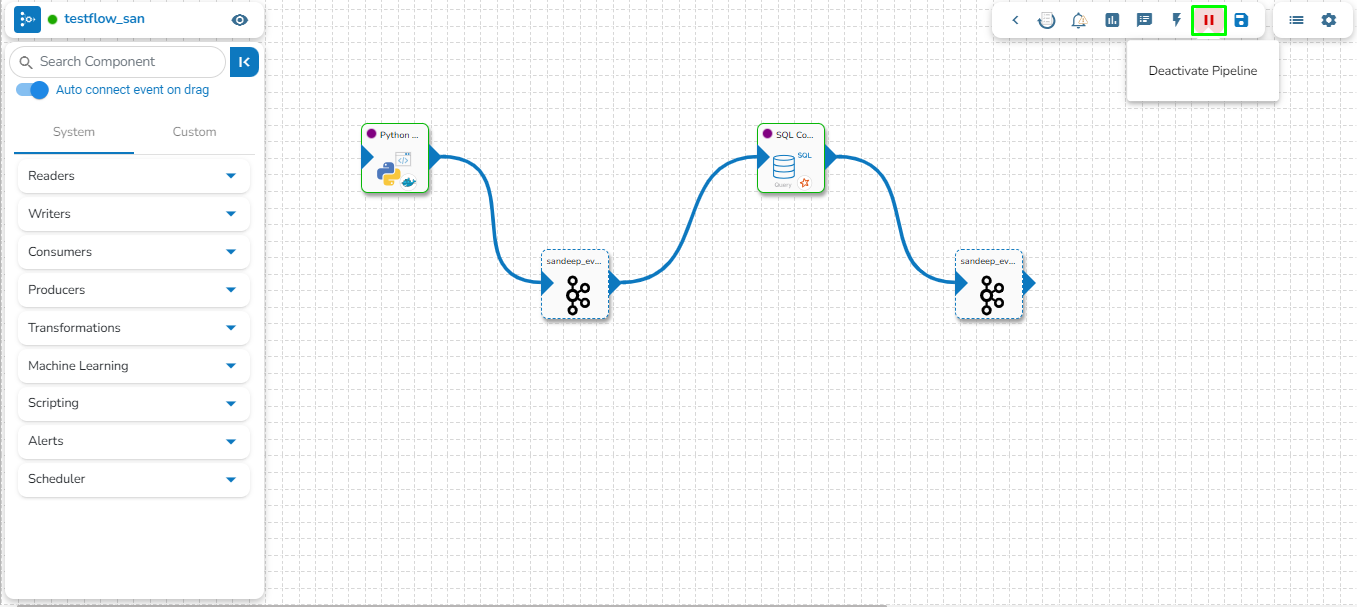
The user can activate/deactivate the pipeline by clicking on the/icon as shown in the image below:
Activating the pipeline
Deactivating the pipeline
Activation will deploy all the components based on their respective invocation types. When the pipeline is deactivated all the components go down and will halt the process.
{% hint style="info" %}
*Please Note:*
* *The user will get confirmation messages while clicking the **Activate** and **Deactivate** icon respectively.*
 
* *The user can get the Activate and Deactivate options on the* [*Pipeline List*](https://docs.bdb.ai/data-pipeline-6/getting-started/homepage/list-pipelines) *page as well.*
{% endhint %}
---
# Agent Instructions: Querying This Documentation
If you need additional information that is not directly available in this page, you can query the documentation dynamically by asking a question.
Perform an HTTP GET request on the current page URL with the `ask` query parameter:
```
GET https://docs.bdb.ai/data-pipeline-6/getting-started/pipeline-workflow-editor/pipeline-toolbar/activate-deactivate-pipeline.md?ask=
```
The question should be specific, self-contained, and written in natural language.
The response will contain a direct answer to the question and relevant excerpts and sources from the documentation.
Use this mechanism when the answer is not explicitly present in the current page, you need clarification or additional context, or you want to retrieve related documentation sections.