> For the complete documentation index, see [llms.txt](https://docs.bdb.ai/data-center-4/llms.txt). Markdown versions of documentation pages are available by appending `.md` to page URLs; this page is available as [Markdown](https://docs.bdb.ai/data-center-4/data-center/data-sets/data-set-list/data-set-list-actions/publishing-a-data-set.md).
# Publishing a Data Set
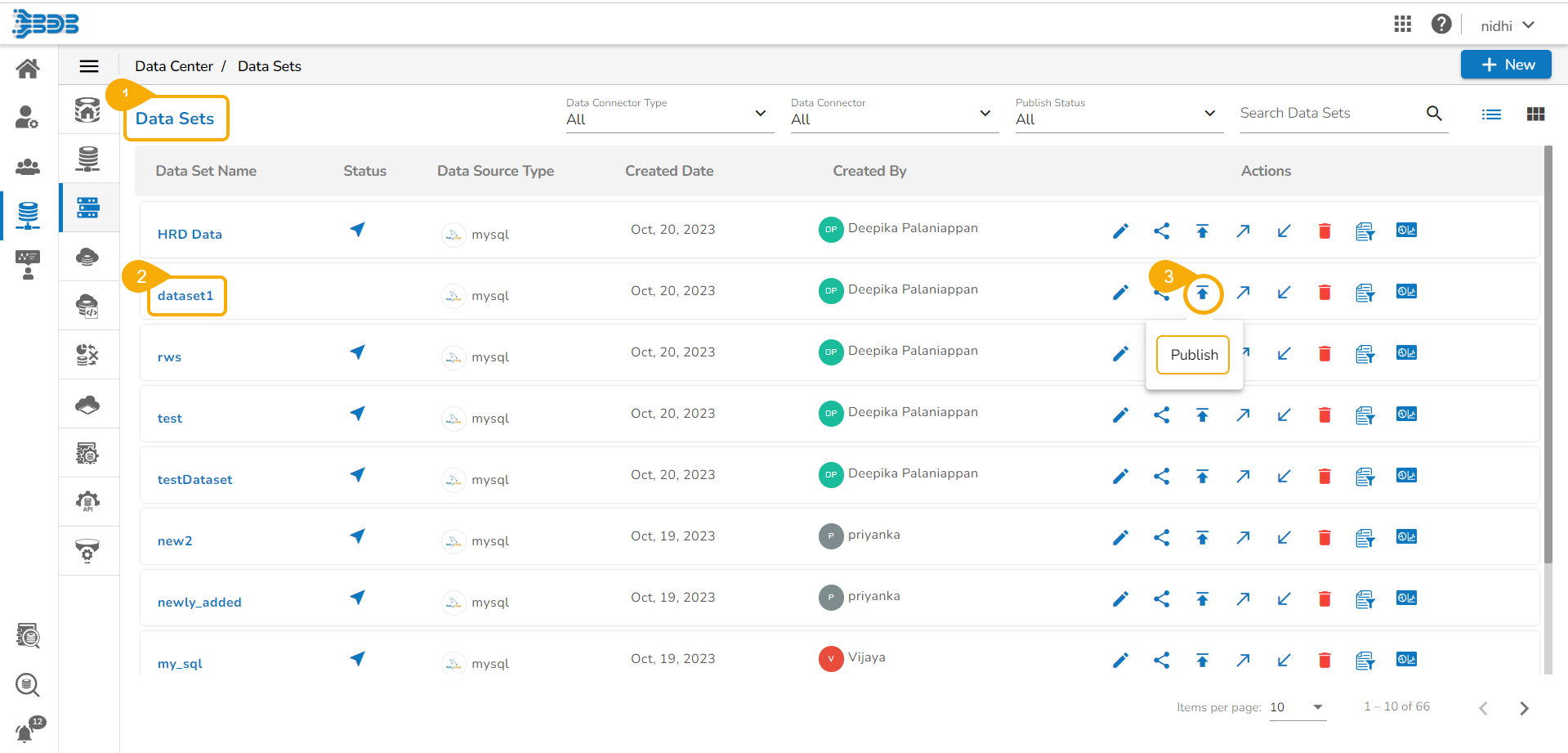
* Navigate to the Data Sets list page.
* Select a Data Set from the list.
* Click the ***Publish*** icon for the selected Data Set.
Accessing the Publish icon from the Data Sets List
* The ***Publish Data Set*** dialog box opens to confirm the action.
* Click the ***Yes*** option.

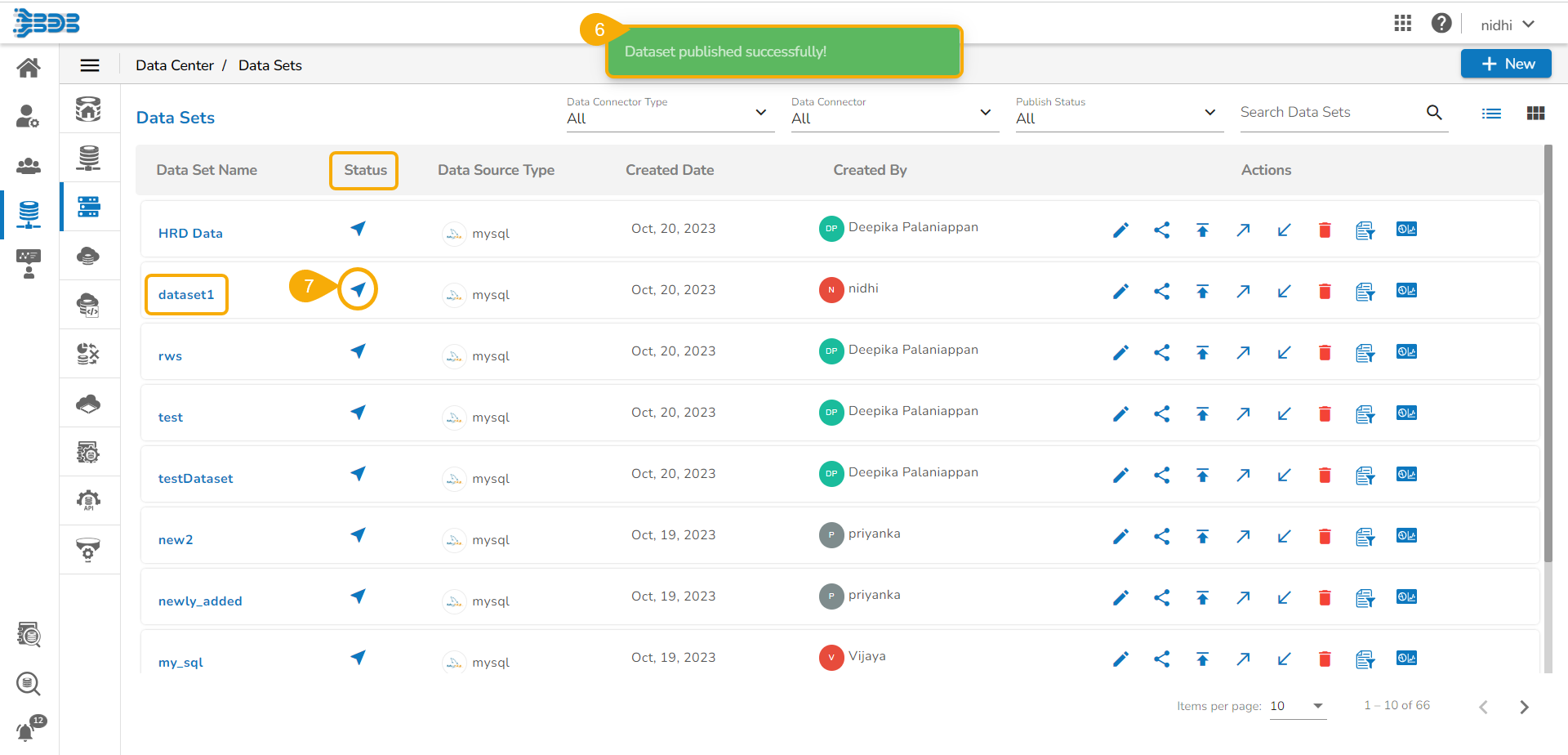
* A confirmation message appears, and the selected Data Set gets published.
* The published Data Set is indicated by icon in the **Data Sets** list**.**
 icon in the **Data Sets** list**.**