> For the complete documentation index, see [llms.txt](https://docs.bdb.ai/data-center-2/llms.txt). Markdown versions of documentation pages are available by appending `.md` to page URLs; this page is available as [Markdown](https://docs.bdb.ai/data-center-2/data-center/data-preparation/data-preparation-list/rename.md).
# Rename
The Rename option allows to modify the name of an existing Data Preparation.
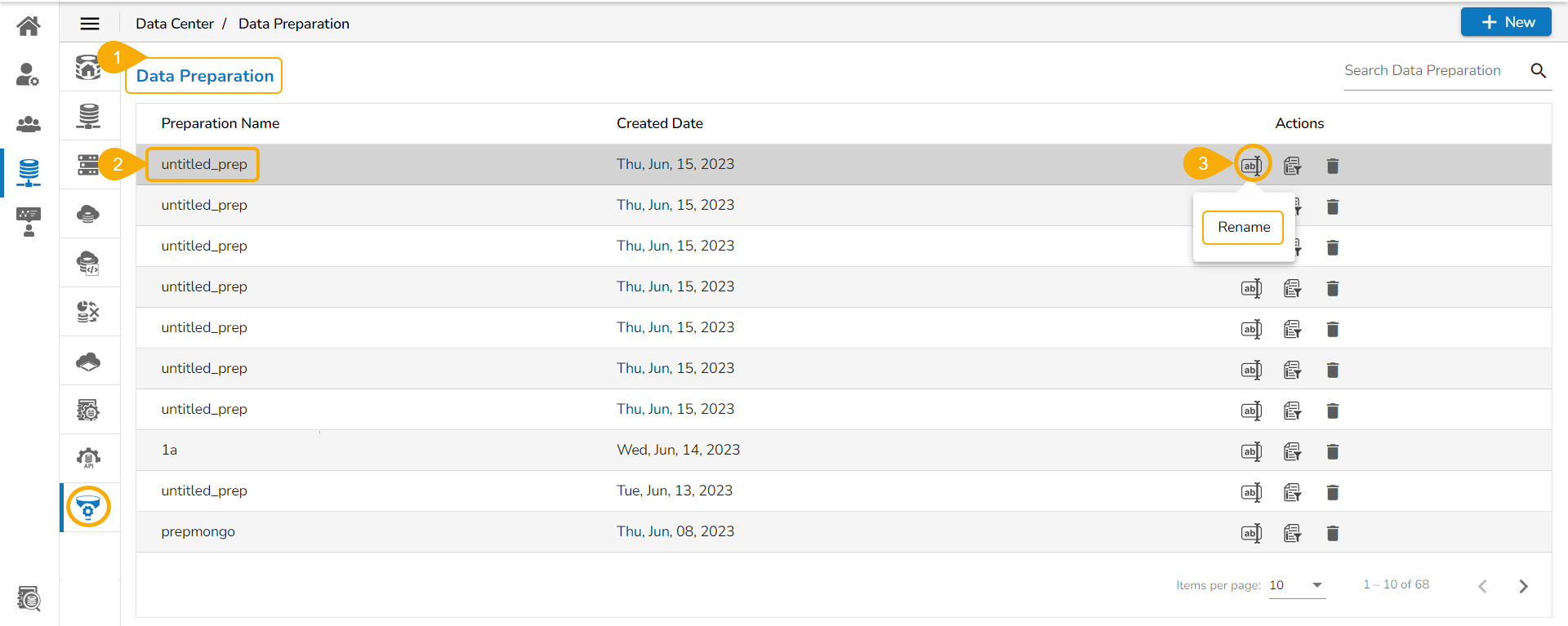
* Navigate to the ***Data Preparation list*** page.
* Select a ***Data Preparation*** from the list.
* Click the ***Rename*** icon for the selected Data Preparation.
Renaming Data Preparation
* The ***Rename*** dialog box appears.
* Rename the Data Sandbox or modify the existing name.
* Click the ***Continue*** option.

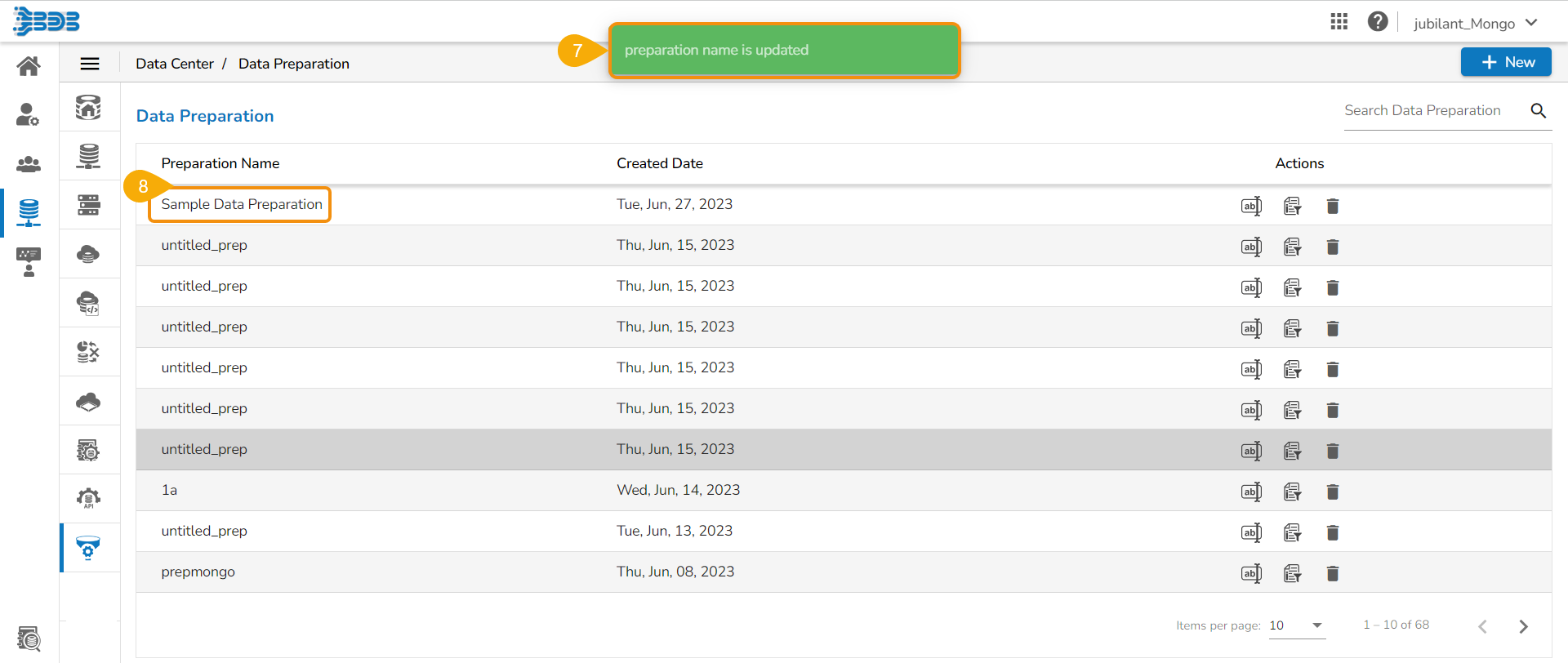
* A notification message appears.
* The name of the selected Data Preparation gets updated.**