> For the complete documentation index, see [llms.txt](https://docs.bdb.ai/administrative-settings-5/llms.txt). Markdown versions of documentation pages are available by appending `.md` to page URLs; this page is available as [Markdown](https://docs.bdb.ai/administrative-settings-5/admin-panel-options/language-mapping/languages.md).
# Languages
This option allows the addition of multiple languages to map with the dashboard module.
#### **Languages: Adding More Languages**
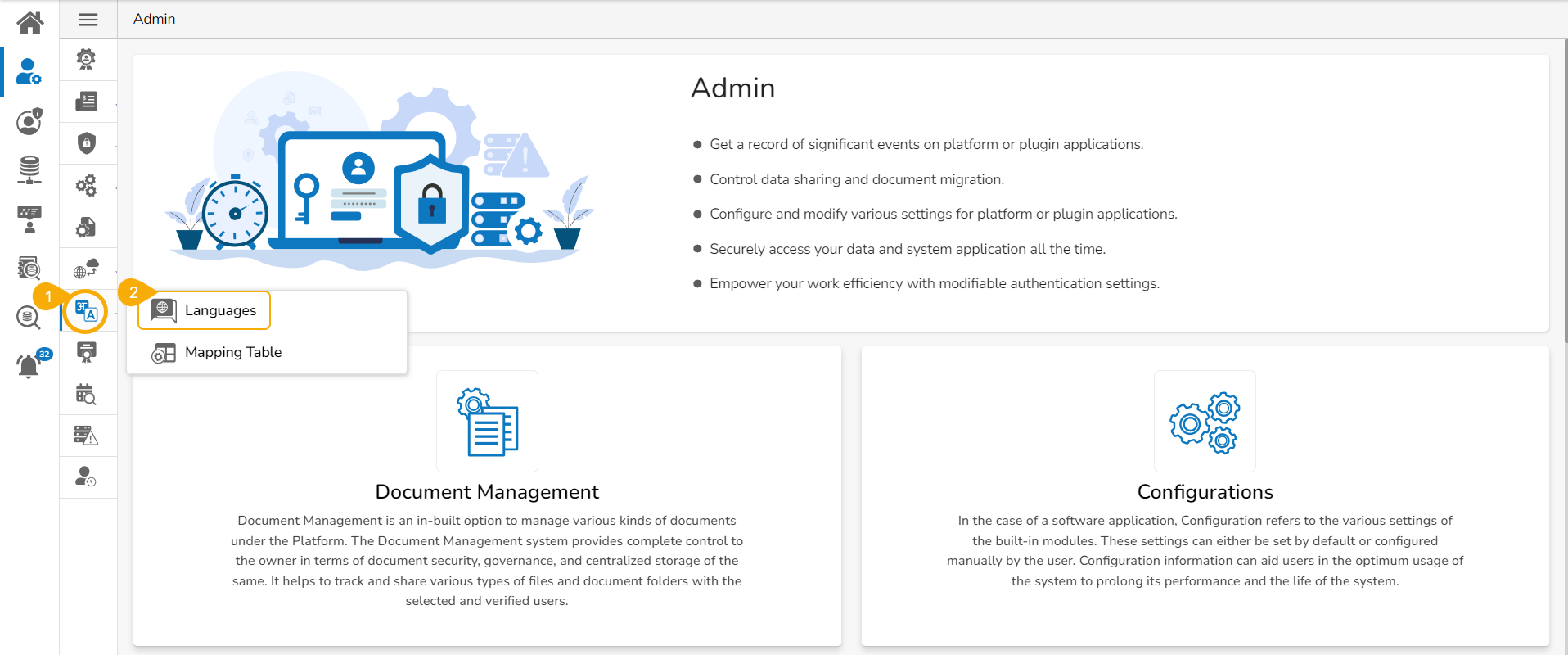
* Click the **Language Mapping** option from the list of Admin options.
* Choose the ***Languages*** option to add languages.
* The ***Language Settings*** page opens displaying the selected language(s).
* The administrator can search and add more languages by using the same ***Search Language*** bar.
* Click the ***Update*** icon to save the recently added languages on the ***Language Settings*** page.
* The ***Language Settings*** gets updated, and a message appears to inform the same.