> For the complete documentation index, see [llms.txt](https://docs.bdb.ai/administrative-settings-4/llms.txt). Markdown versions of documentation pages are available by appending `.md` to page URLs; this page is available as [Markdown](https://docs.bdb.ai/administrative-settings-4/admin-panel-options/git-migration/migrating-an-api-service.md).
# Migrating an API Service
The users can import an exported API Service by using this feature.
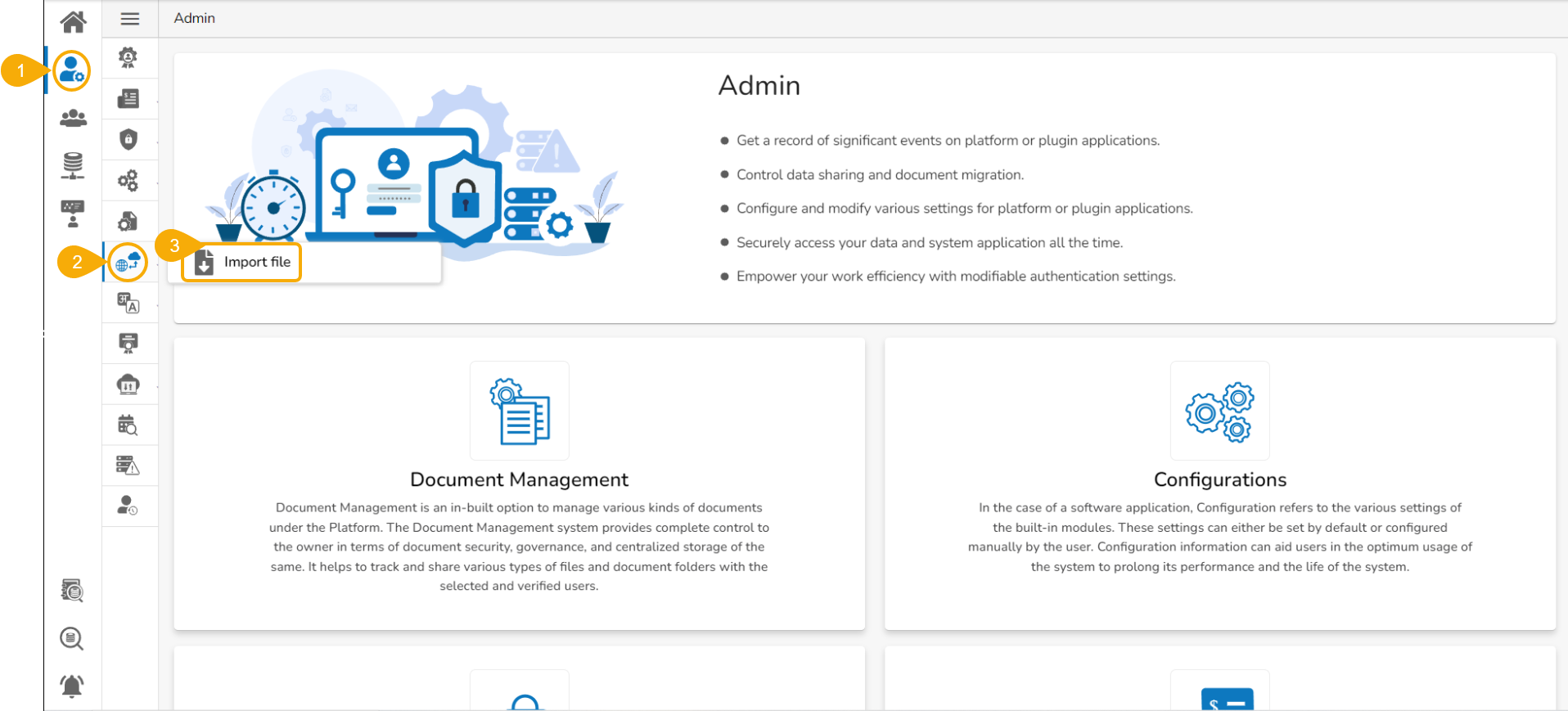
* Navigate to ***Admin Module.***
* Click the ***GIT Migration*** icon from side navigation bar.
* Click the ***Import File*** option that appears.
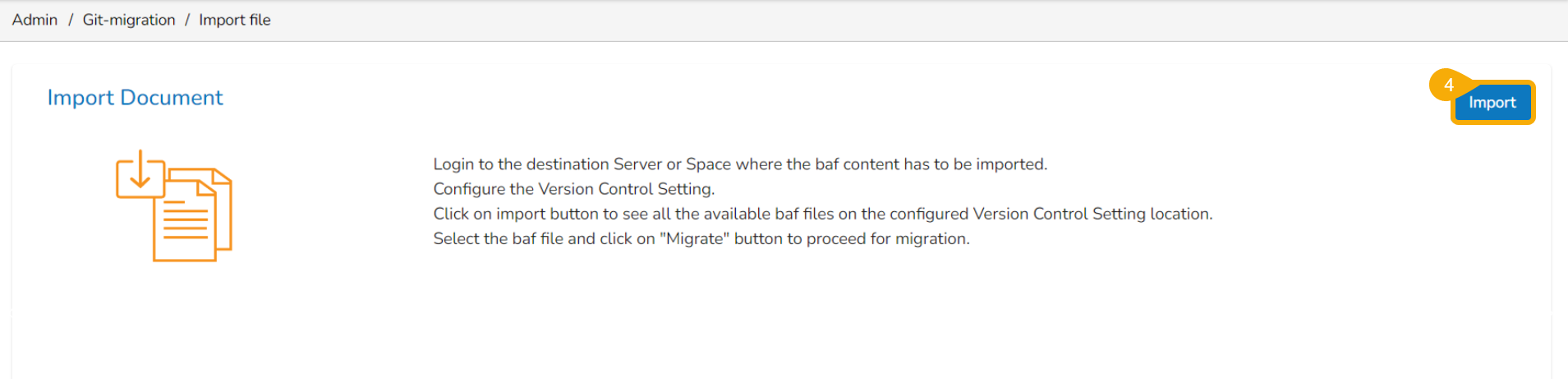
* Click the ***Import*** option that appears on the next page.
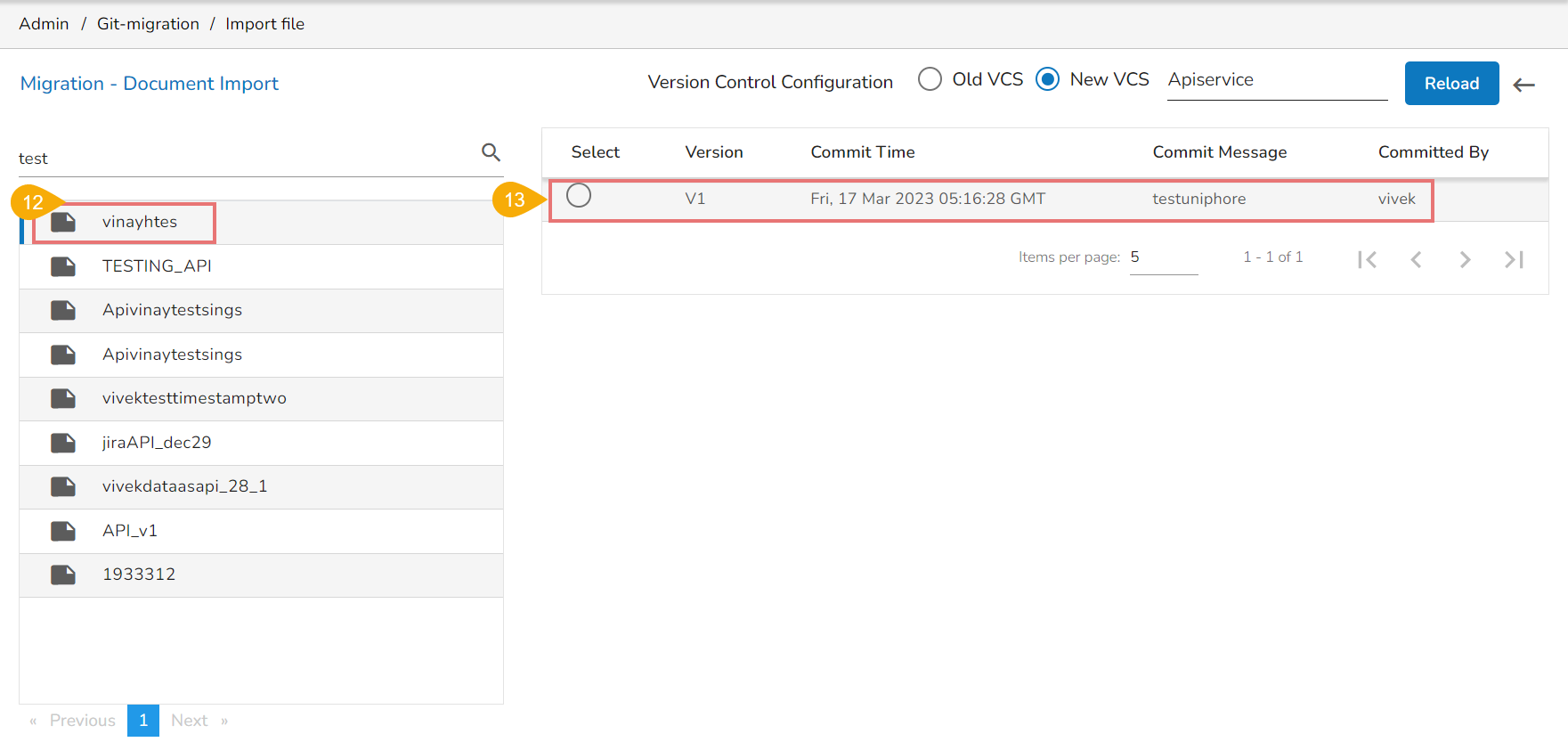
* The ***Migration-Document Import*** screen appears.
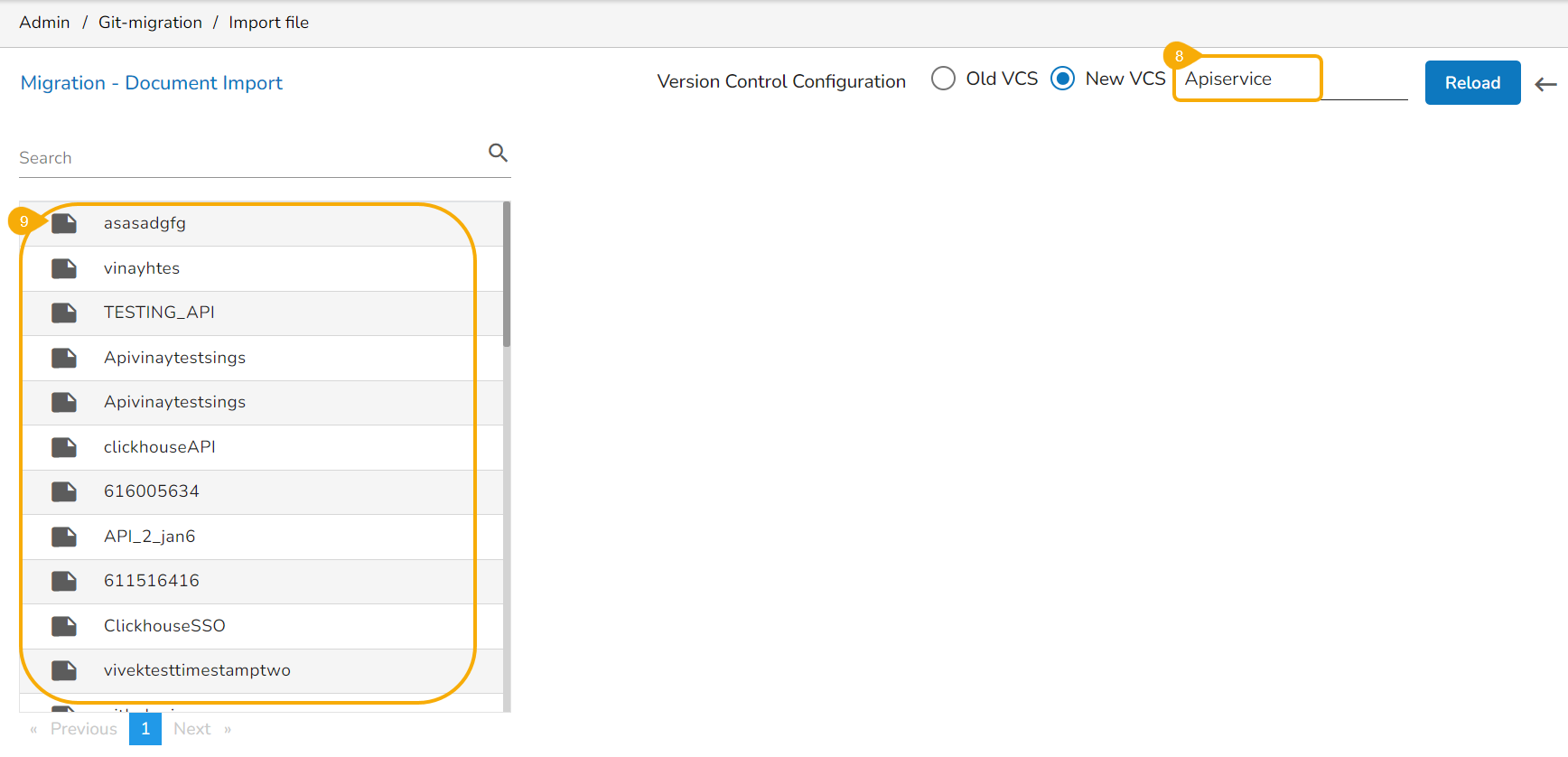
* Select the ***New VCS*** for the ***Version Control Configuration***.
* The ***Select a Module*** drop-down menu bar appears at the top-right side of the screen.
* Select the ***API Service*** module using the ***Select a Module*** drop-down menu.
* A list of the available Published API Services appears on the left side of the page.
{% hint style="info" %}
*Please Note: Only the Published and exported API Services will be visible in the list.*
{% endhint %}
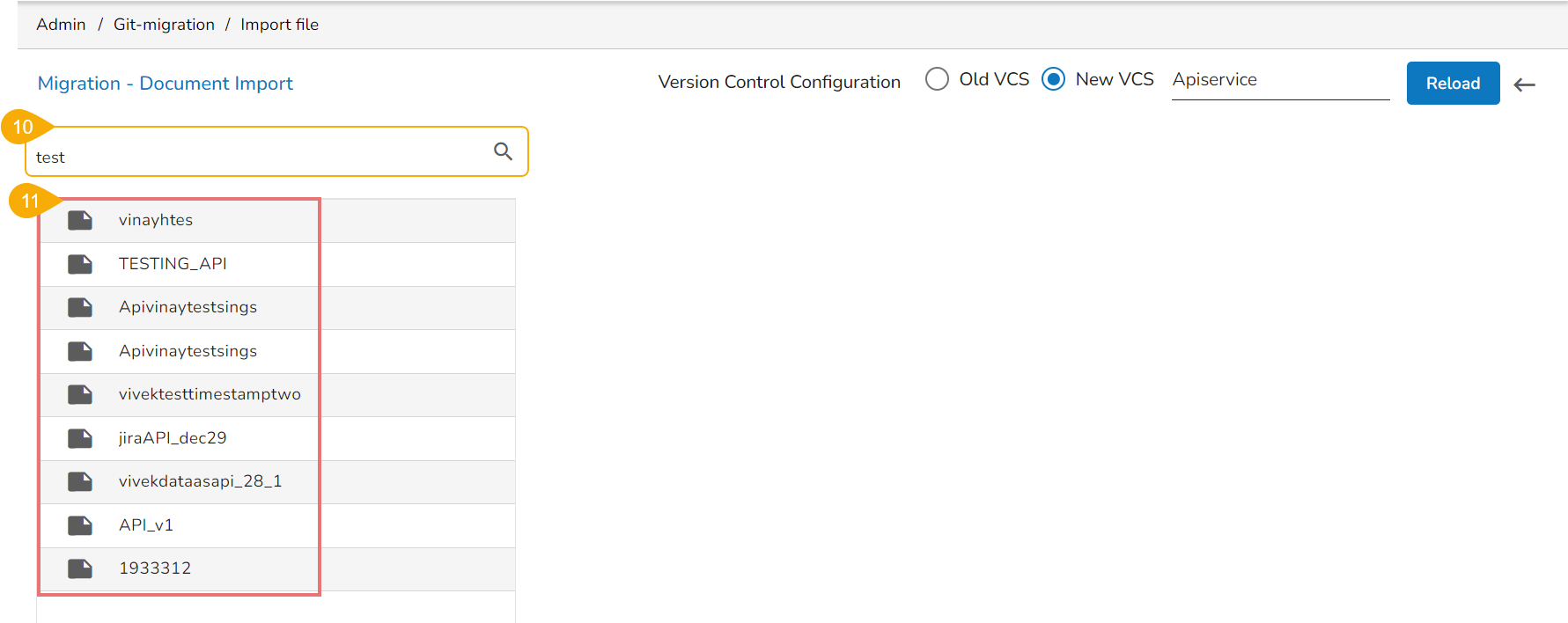
* Use the search bar to search for an API Service. (Ex. export)
* The customized list appears based on the searched term.
* Select an API service and click to open the details.
* The various versions (if available in the GIT) of the selected API Service appear.
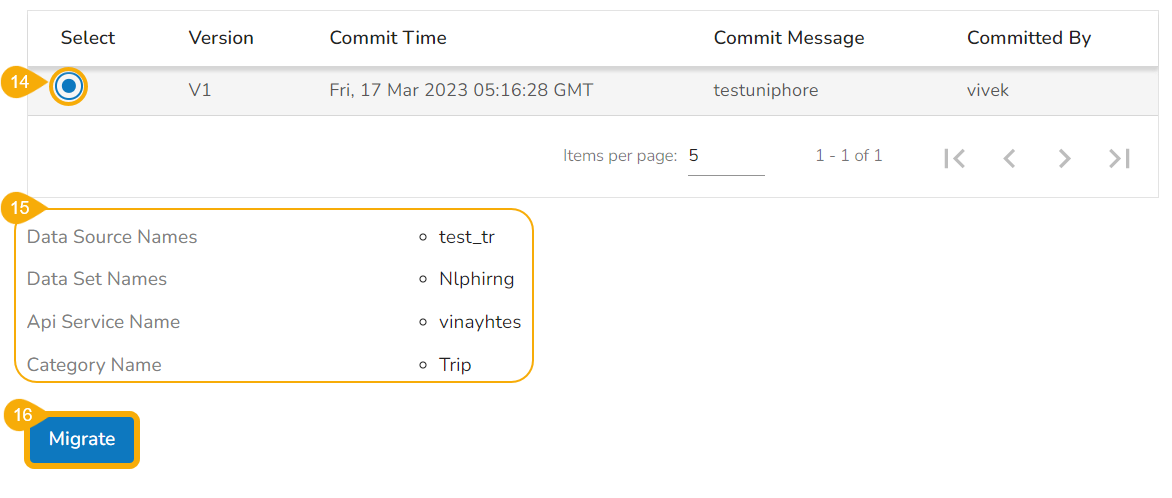
* Select a version using the checkbox.
* The following information gets displayed:
* Data Source Names
* Data Set Names
* API Service Name
* Category Name
* Click the ***Migrate*** option.
* The ***Data Connector Details*** dialog box appears to configure a data connector.
* The user gets two choices:

### Use an Existing Connector
Choose the **Use an Existing Connector** option -> Select a data connector from the drop-down menu -> Click the ***Save*** option.

### Create a New Data Connector
Configure/Create a New Data Connector-> Click the ***Save*** option to save the new connector details.

{% hint style="info" %} Please Note: *The user can choose **Skip** while importing a version of the concerned API Service. It is mandatory to fill in the details while migrating the API Service for the first time.*
{% endhint %}
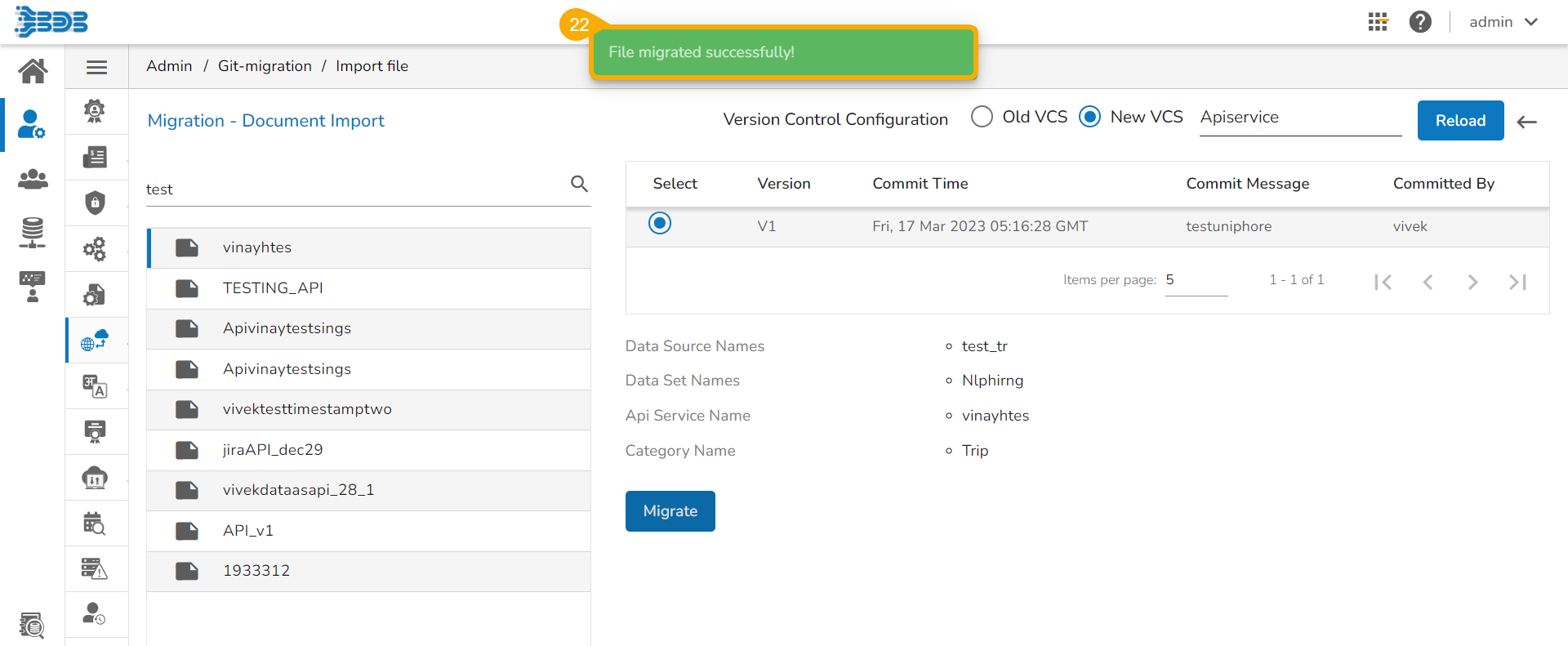
* A notification message appears, and the selected API Service gets migrated to the Data Center module.
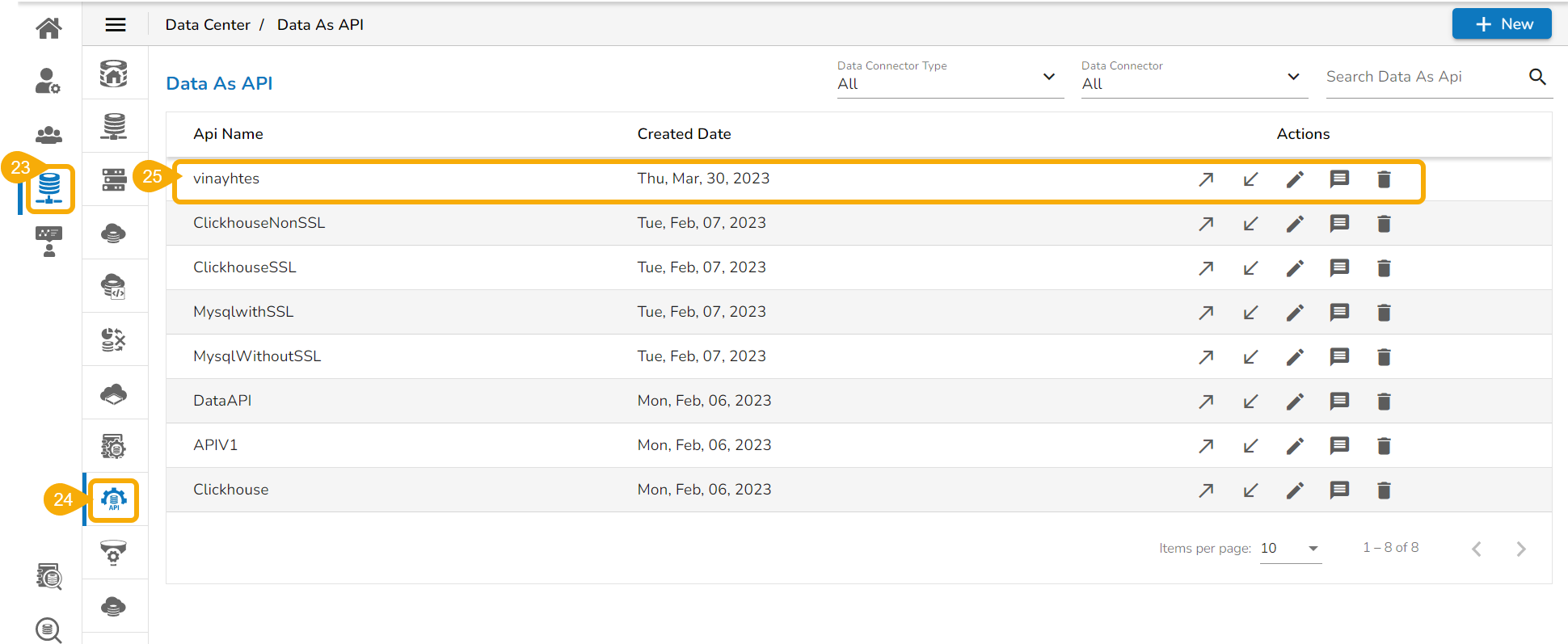
* Navigate to the ***Data Center*** module.
* Open the ***Data As API*** list.
* The imported API service gets added to the displayed list.
{% hint style="info" %}
*Please Note:*
* *The user can migrate the API service between two users, two spaces, or two servers. The Version control configuration settings should be the same for both users, spaces, and servers where the user attempts to migrate.*
* *The migrated API Service should contain the same category and the Template JSON as its source.*
{% endhint %}